Agencies1 min read

Book a call, and see every call

Every agency member now has a booking link on their own Google Calendar, and a Calls page shows who opened it and every call booked, across every account.

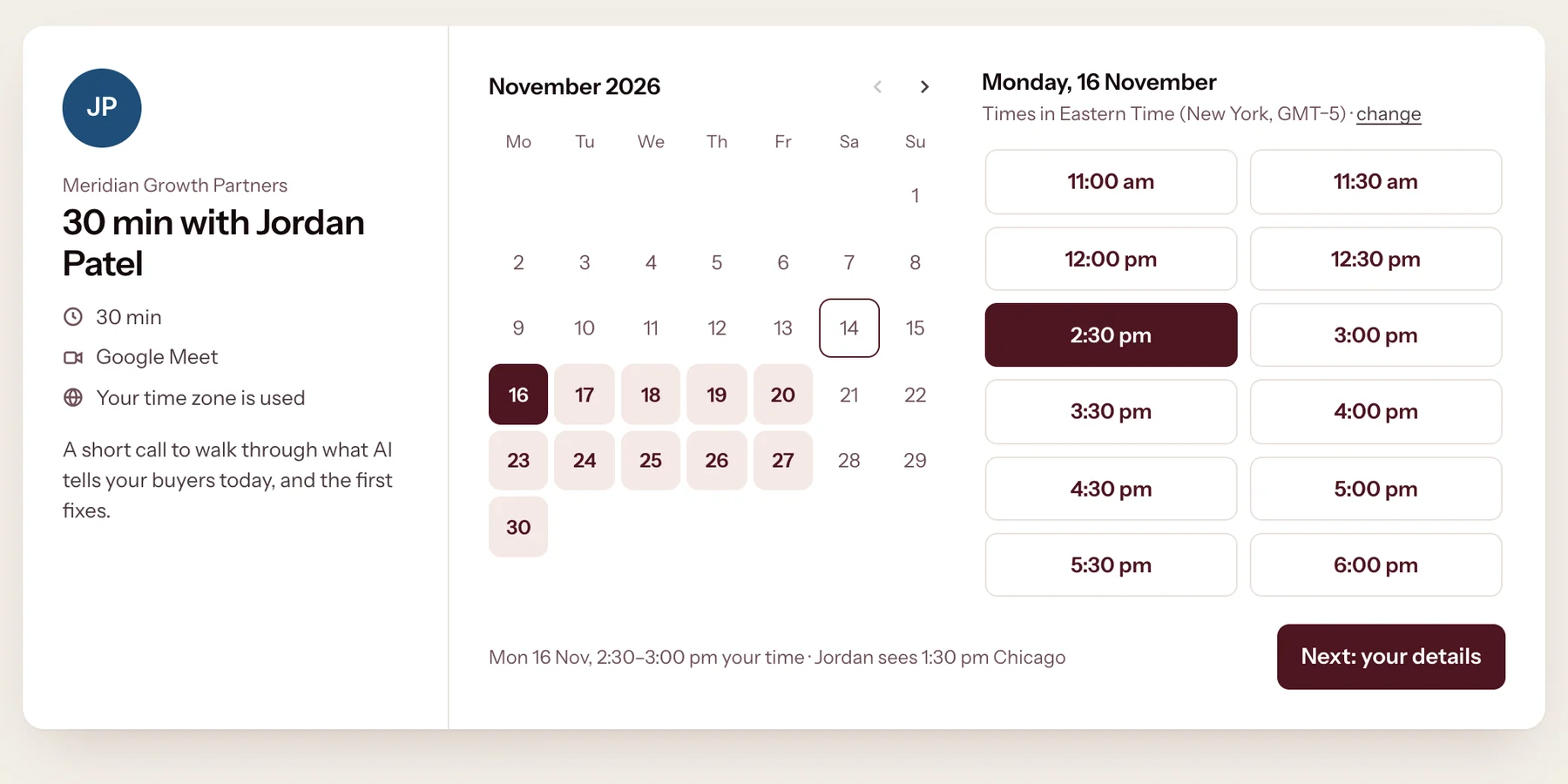
The booking page for a 30-minute call with an agency member: a November calendar with free days, and free times for Monday 16 November.
What a prospect opens: your free times, in their own time zone. Demo agency, sample data.

Connect Google Calendar once. Your booking link shows only the times you are free, and every call lands on your own calendar.

  1. 1They pick a time
    The booking page with Monday 16 November and 2:30 pm picked.
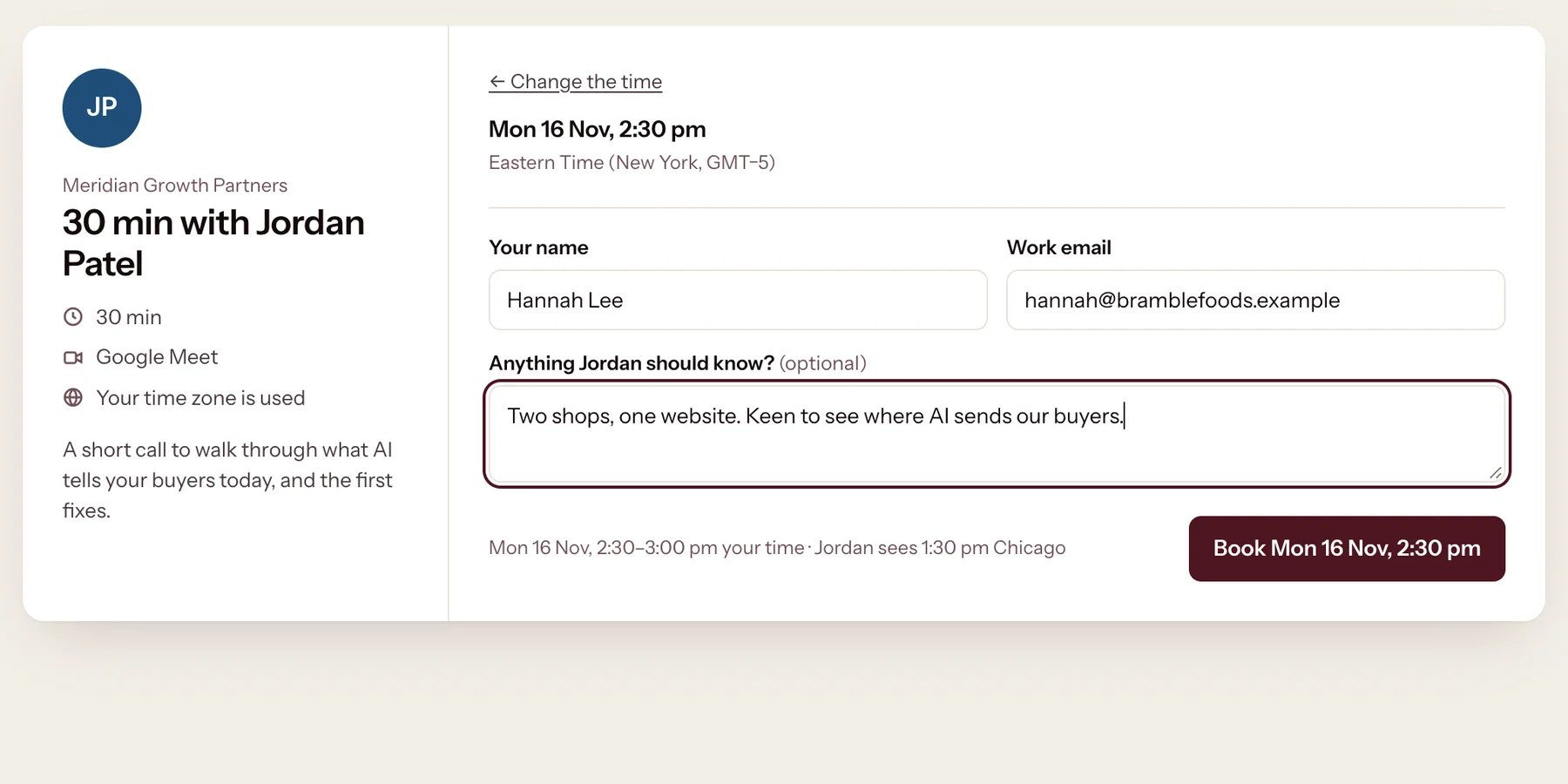
  2. 2They add their details
    The guest form: name, work email and an optional note, with a Book button.
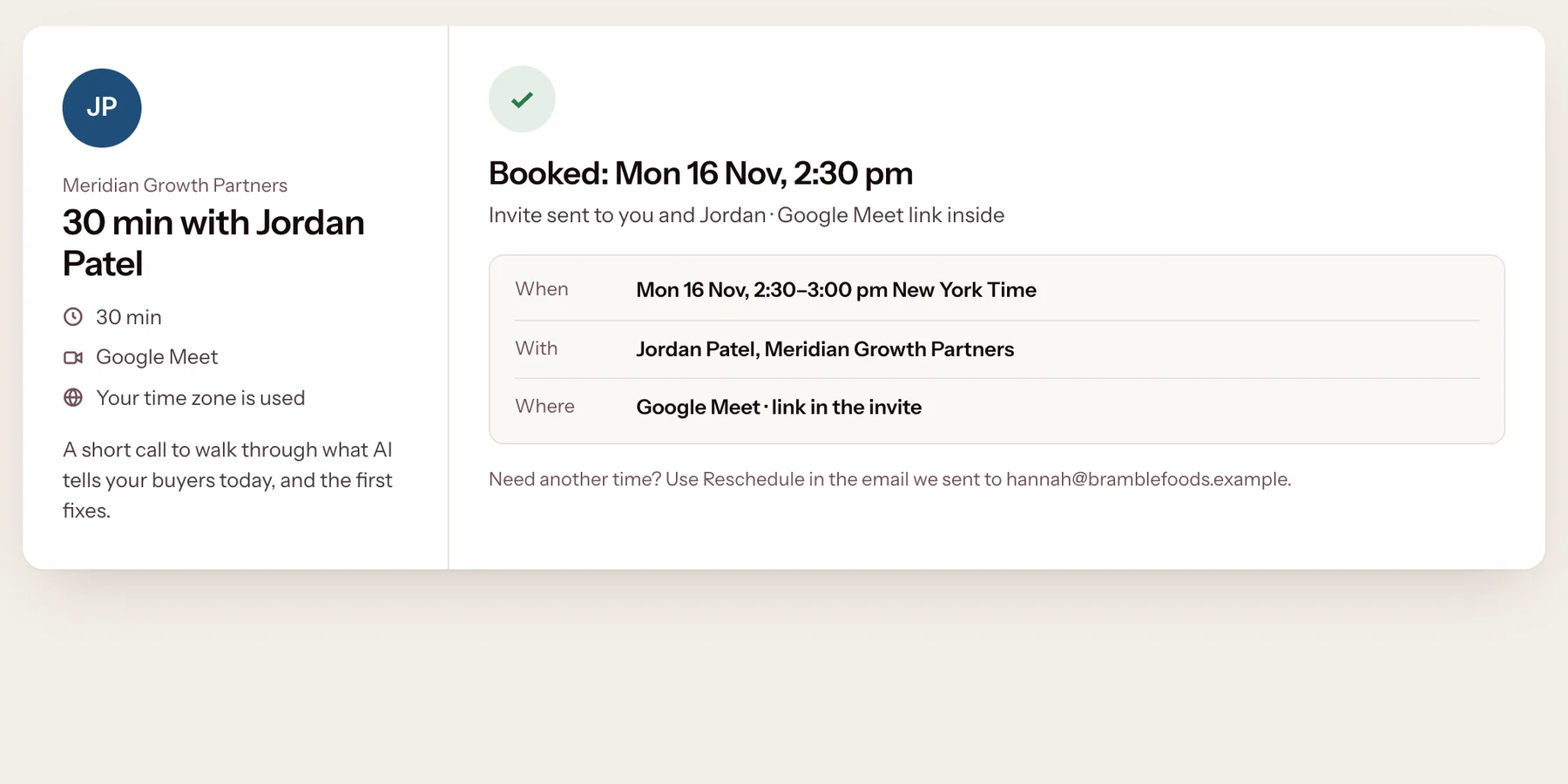
  3. 3Booked, invite sent
    The confirmation: booked for Monday 16 November, 2:30 pm, with a Google Meet invite sent to both.
From your link to a booked call in three steps, with no sign-in. Demo agency, sample data.
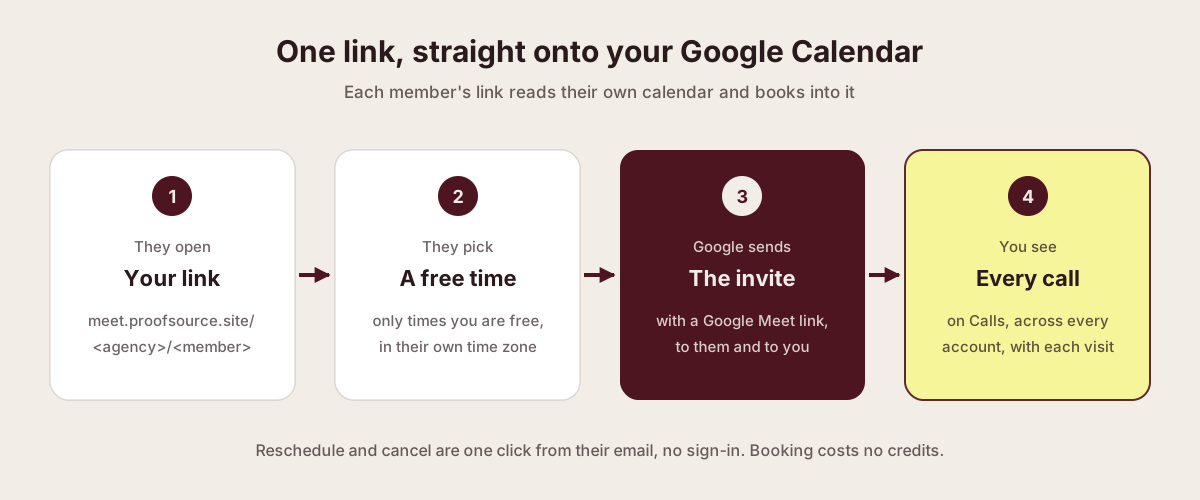
Diagram: they open your link, pick a free time, Google sends the invite with a Meet link, and you see every call on Calls.
Your hours and your calendar decide the times. Google sends the invite.
  1. They open your link

    meet.proofsource.site/<agency>/<member>.

  2. They pick a free time

    Only times you are free, in their own time zone.

  3. Google sends the invite

    With a Google Meet link, to them and to you.

  4. You see every call

    On Calls, across every account.

Their confirmation
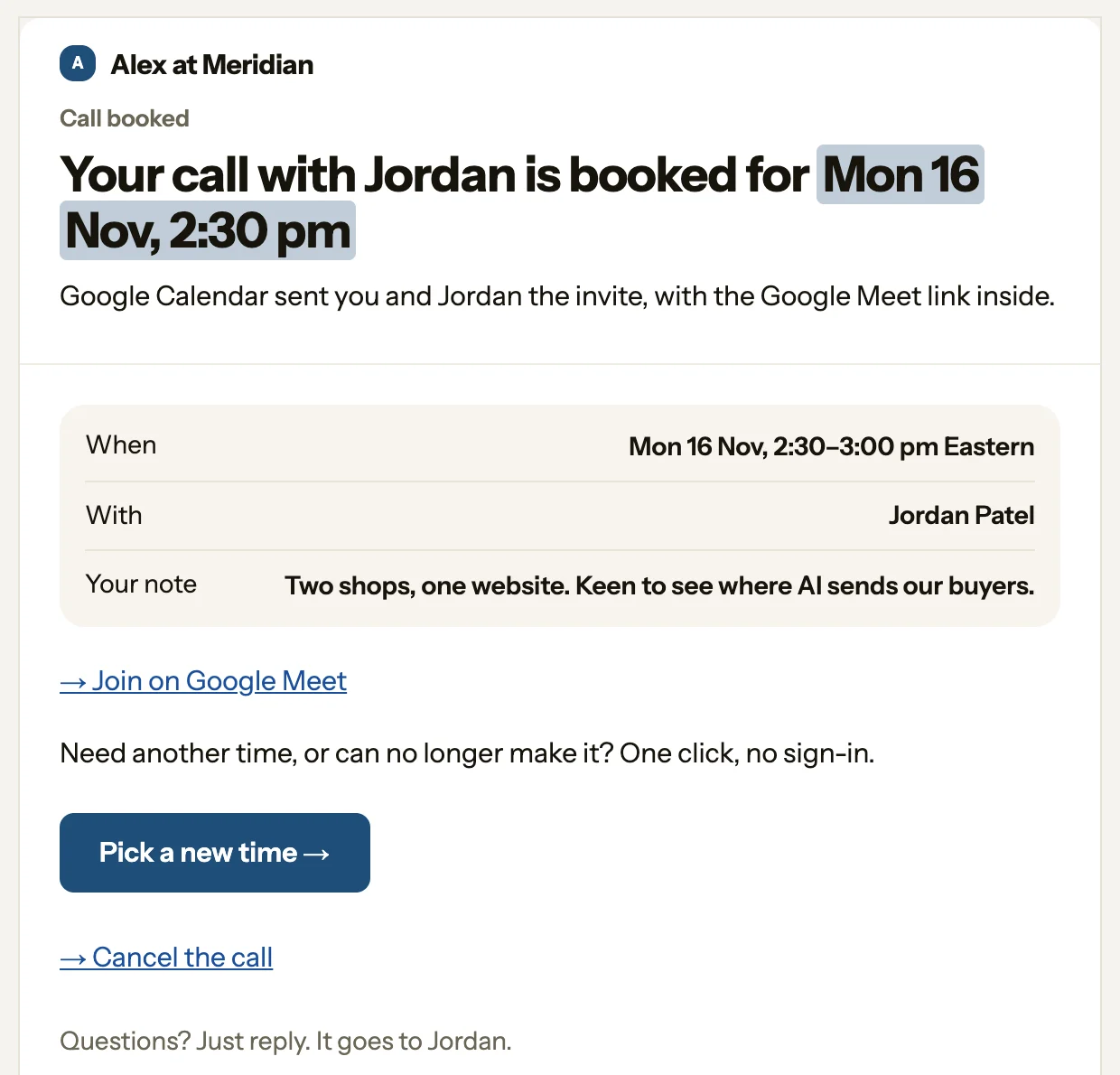
The guest's confirmation email: when, with whom, their note, Join on Google Meet, Pick a new time and Cancel the call.
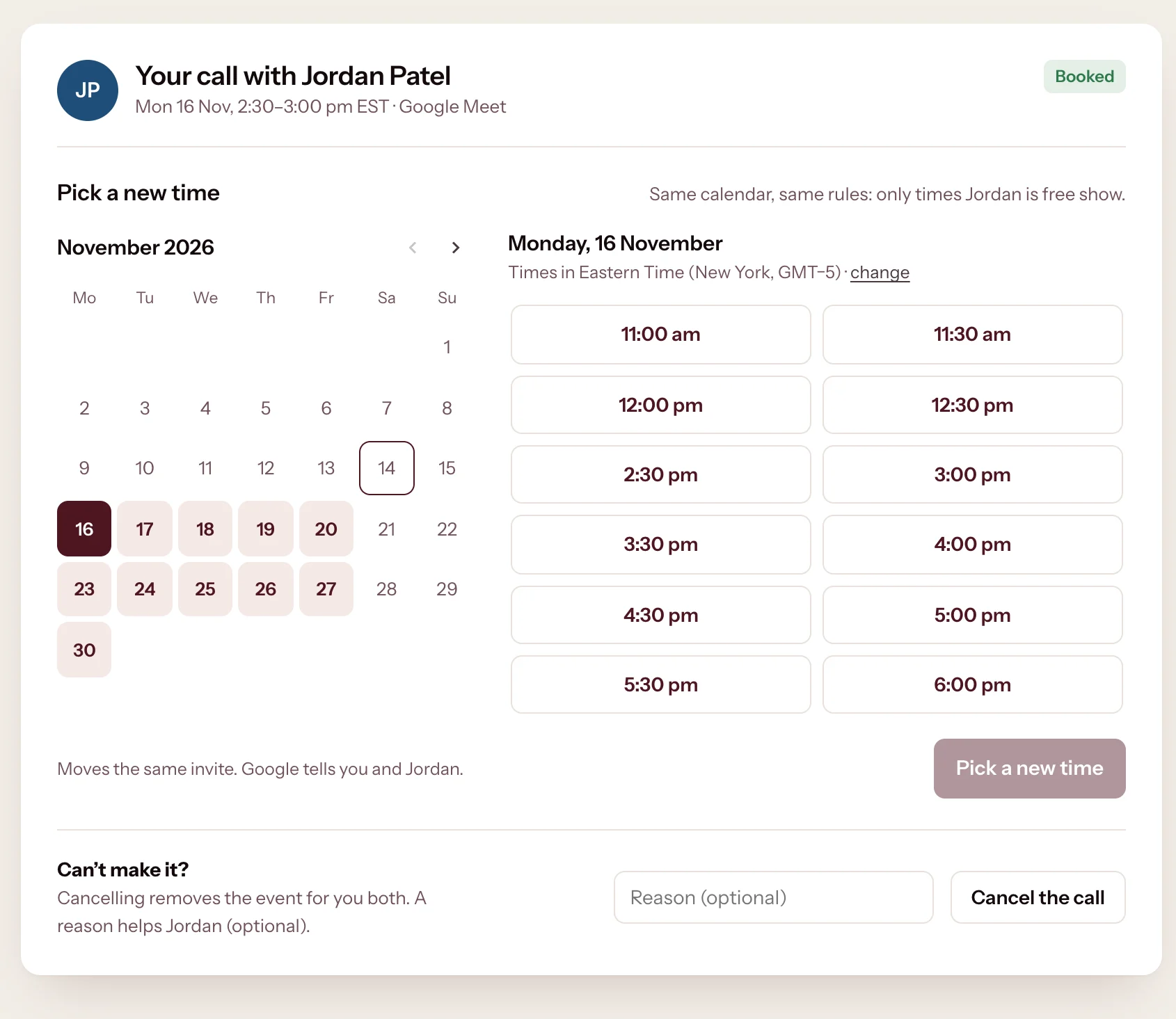
Move or cancel
The guest's manage page: pick a new time from the member's free times, or cancel with an optional reason.
The guest's email moves or cancels the call in one click. A reminder goes a day before. Sample data.

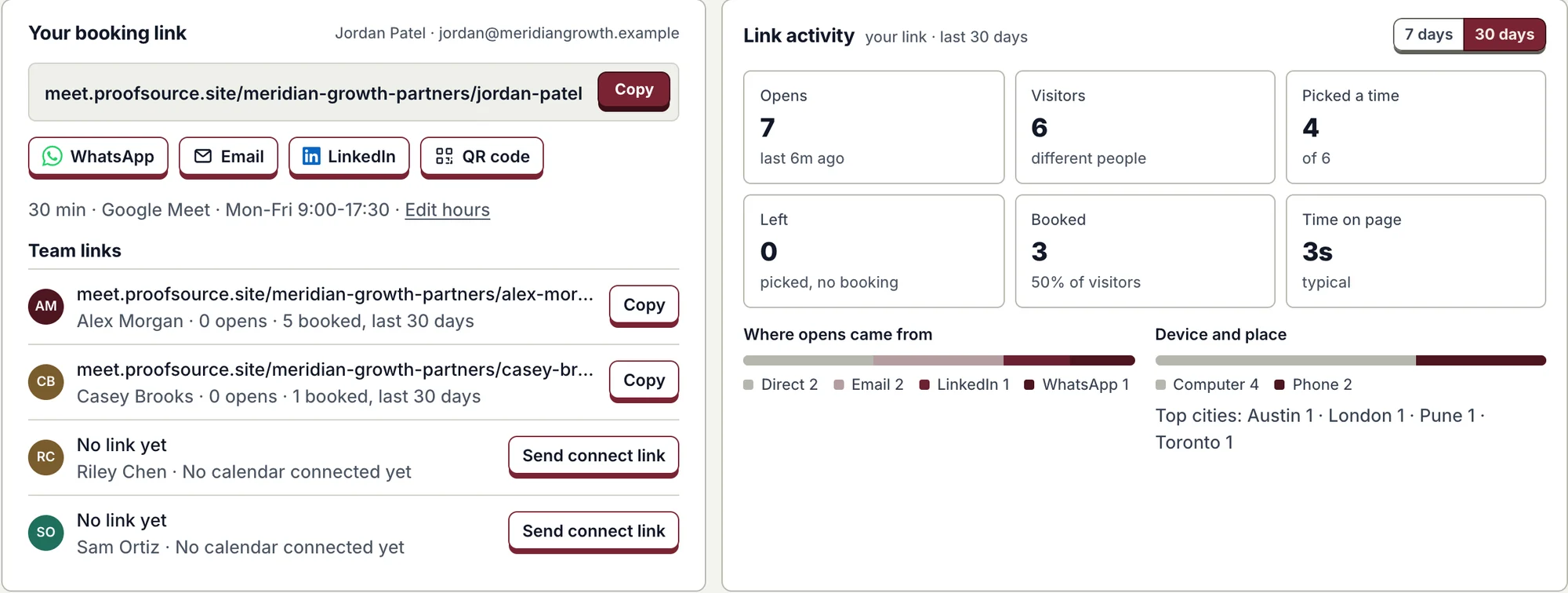
Calls: your link and every call

The Calls page: your booking link with Copy, WhatsApp, Email, LinkedIn and QR code, team links, and link activity with opens, visitors, picks and bookings.
Share your link anywhere, see your team's links, and see how each one is doing. Demo agency, sample data.
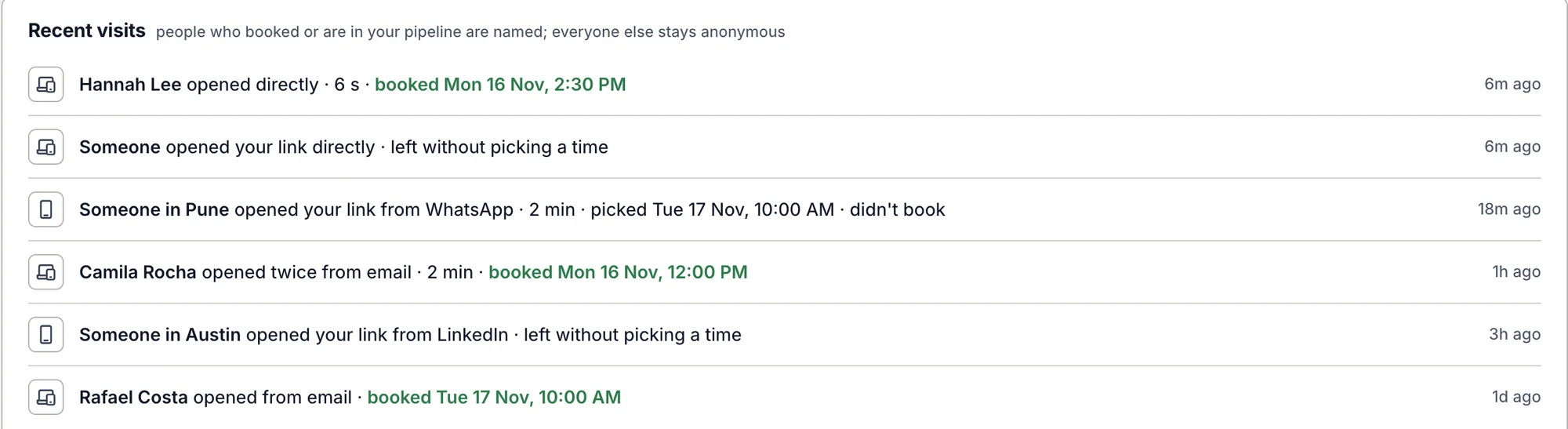
Recent visits: named people who booked, and anonymous visitors by city, source and whether they picked a time.
Who opened your link and what they did. People who booked are named; everyone else stays a city.
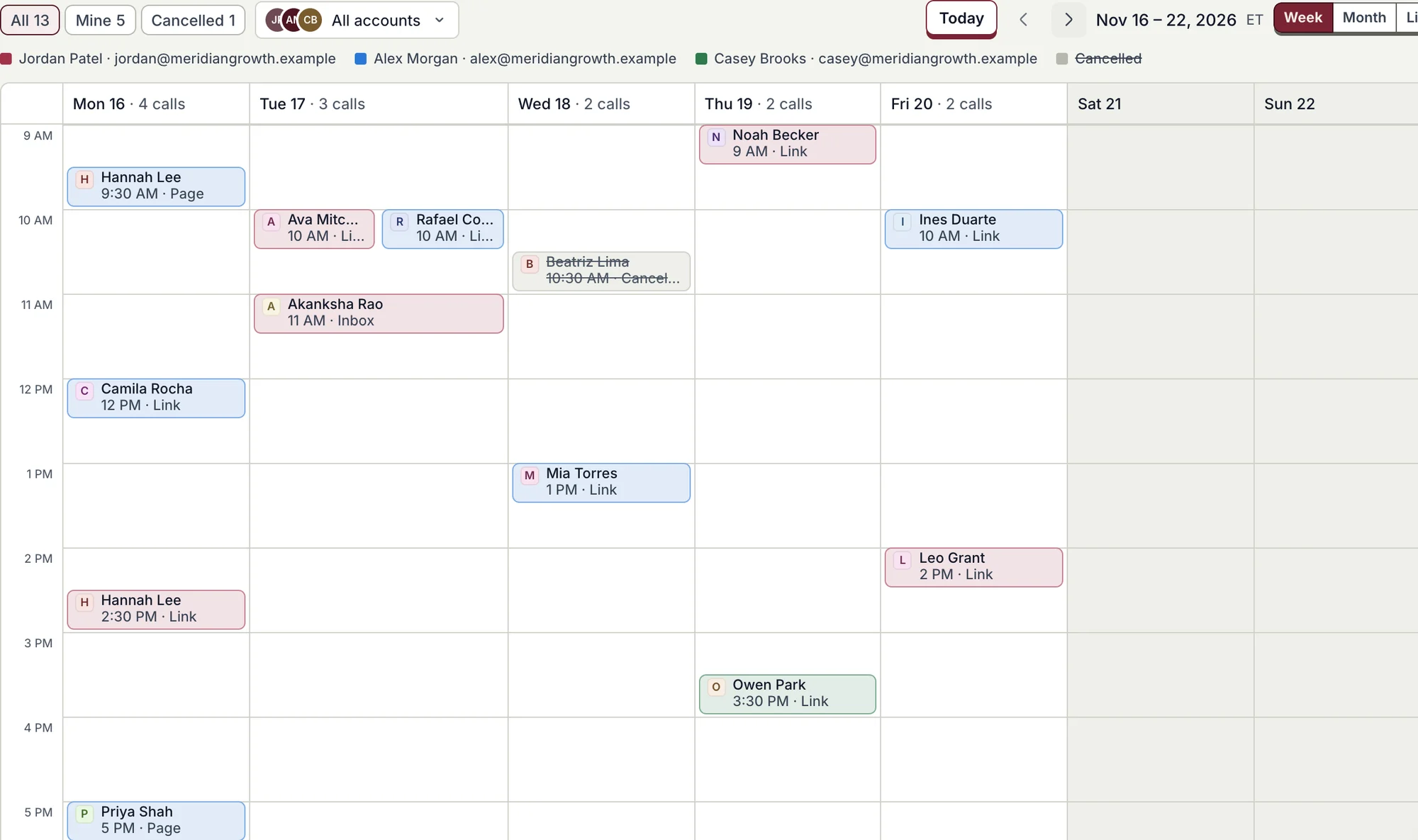
The calls calendar in week view: calls from three team members, colored by member, with a cancelled call struck through.
Every booked call on every account, by week, month or list. Filter to yours or one teammate.
  • In your pitch emails. Your booking link can go in every pitch, as one line.
  • Only free times. Your hours, your gaps and your Google Calendar decide what shows.
  • Private by default. Visits keep a city, never an address, for 90 days.
0
credits to book a call
5
ways to share: copy, WhatsApp, email, LinkedIn, QR code
3
calendar views: week, month and list

Availability

Live for every agency workspace. Connect Google Calendar in Settings, then open Calls in the sidebar.

Proofsource for agencies

Further reading

Published · Questions or feedback? Write to us
Questions

Does booking cost credits?

No. Booking links, bookings and the Calls page cost no credits.

Which calendar does it use?

Each member's own Google Calendar. Invites come from it, with a Google Meet link.

Can a guest move or cancel?

Yes. Their email has Pick a new time and Cancel the call, one click each, with no sign-in.

Who sees the calls?

Everyone in the agency workspace sees every call. Filter to Mine or to one teammate.

Turn every pitch into a booked call.