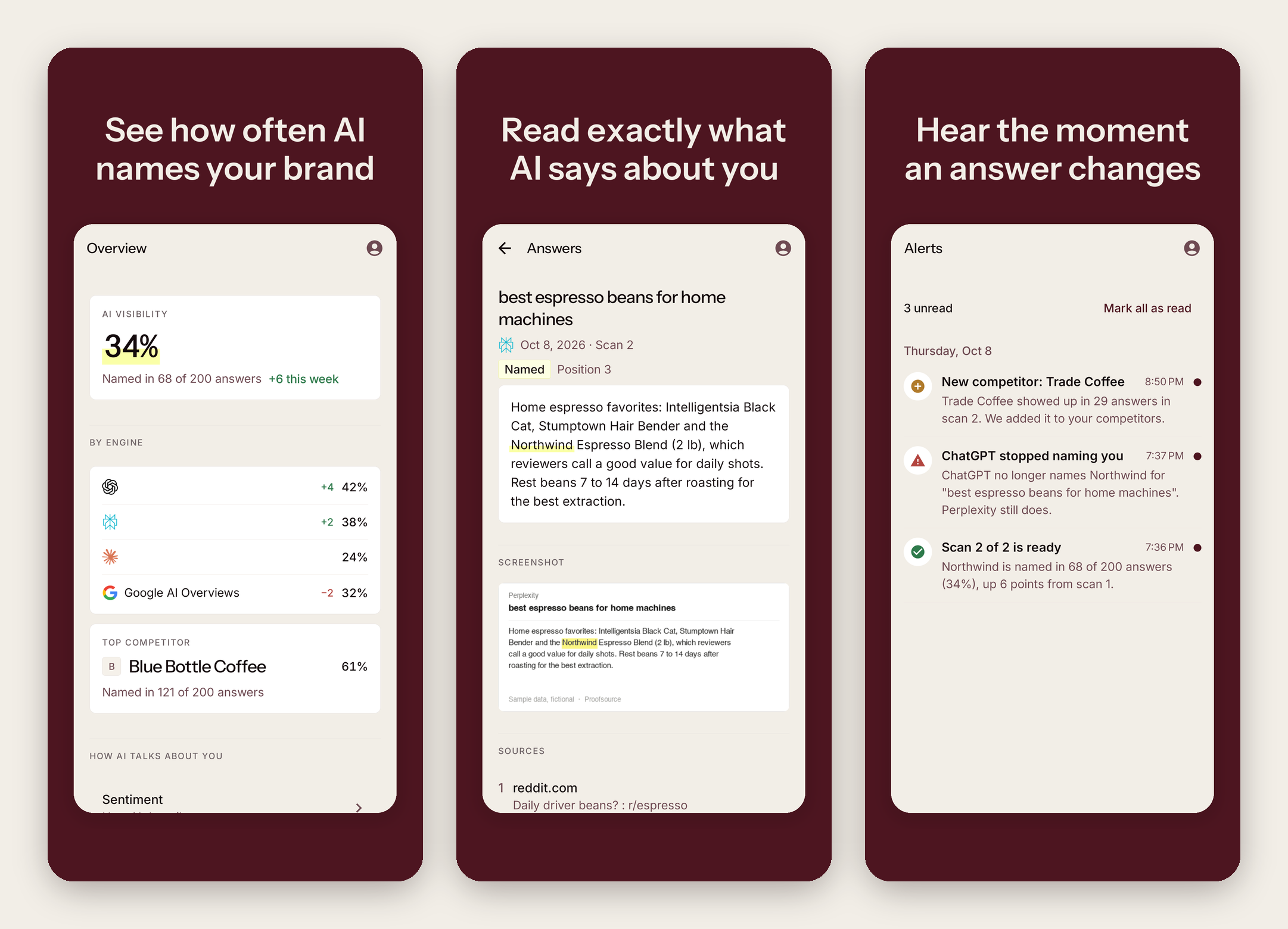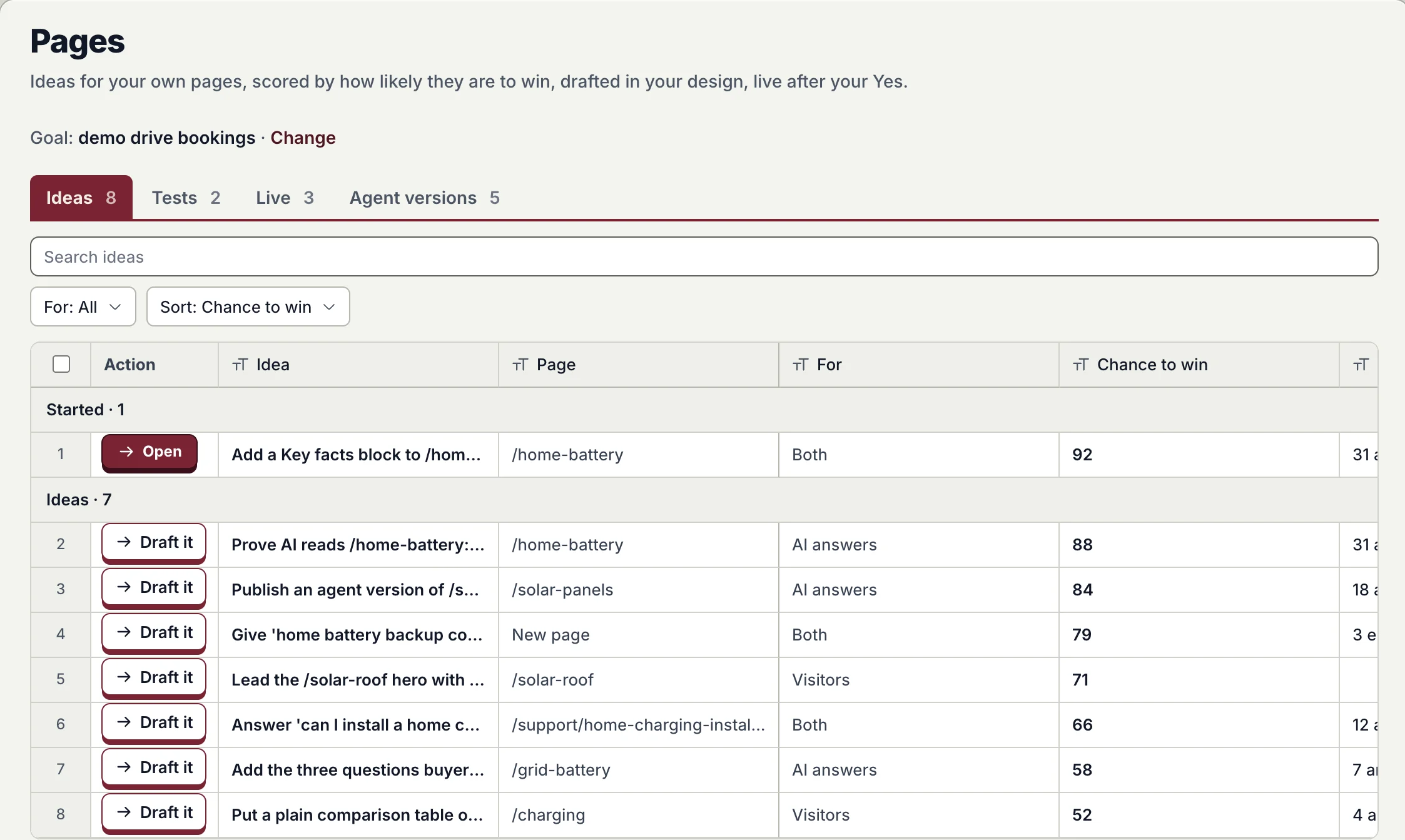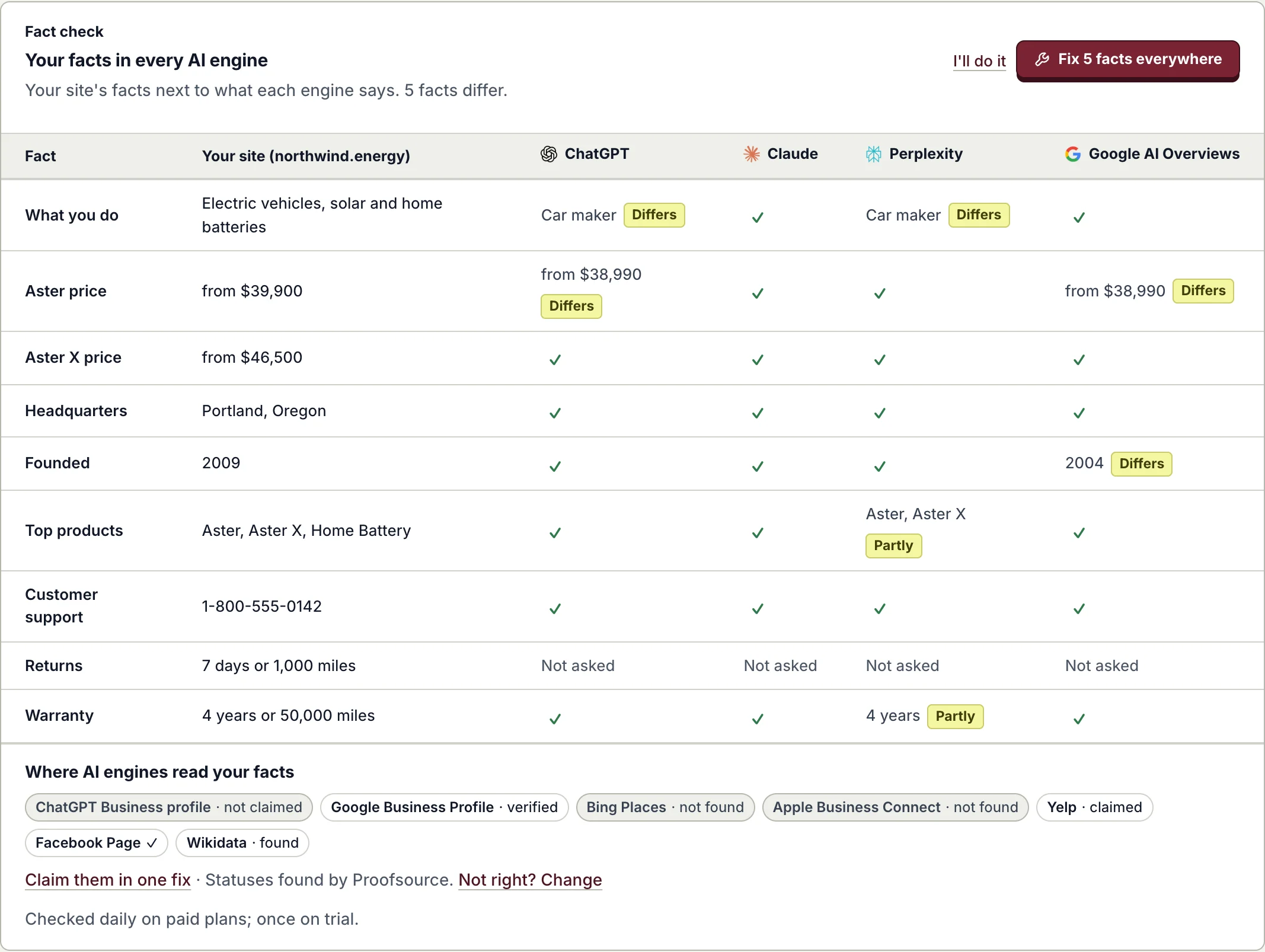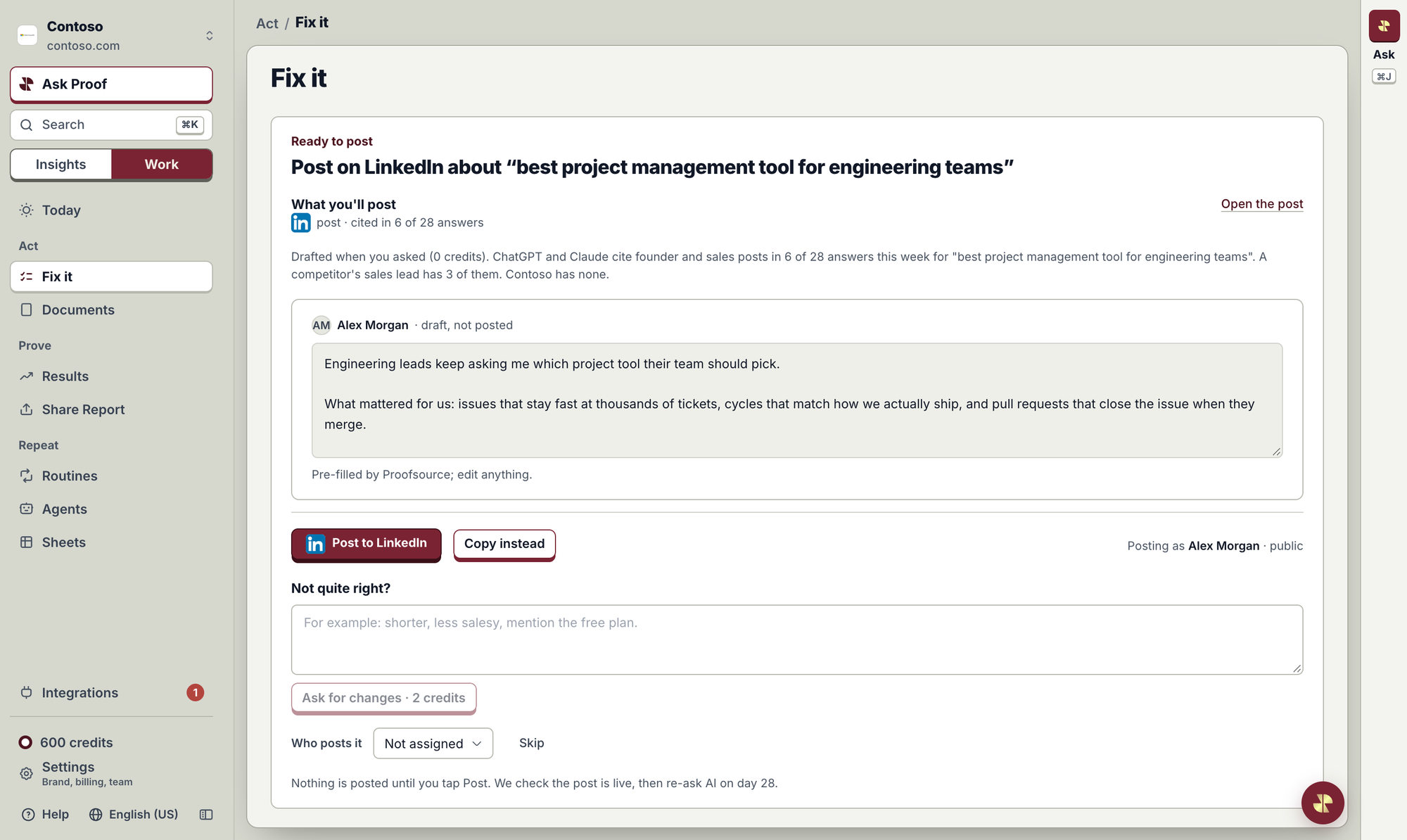
When ChatGPT, Claude or other engines cite LinkedIn posts for a question your buyers ask, Proofsource drafts a post for you. Edit it, tap Post to LinkedIn, and it goes up on your own profile.
- 1Connect your LinkedIn once
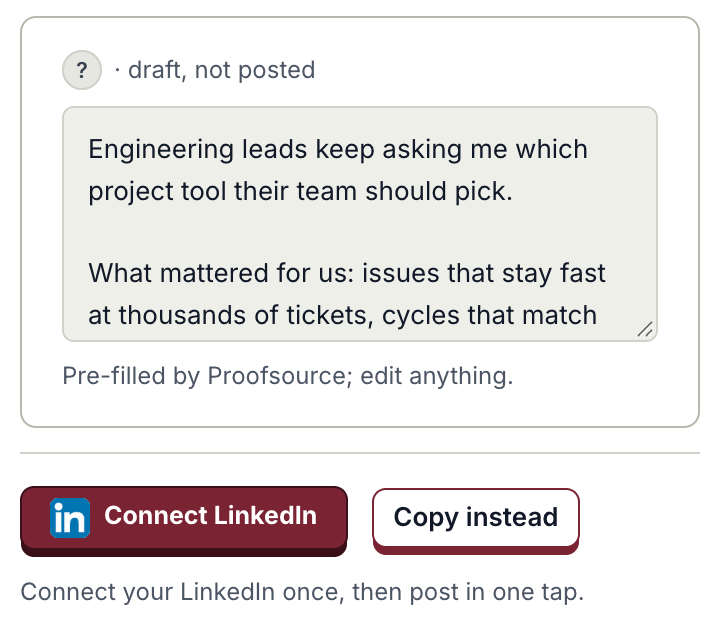
- 2Edit, then tap Post
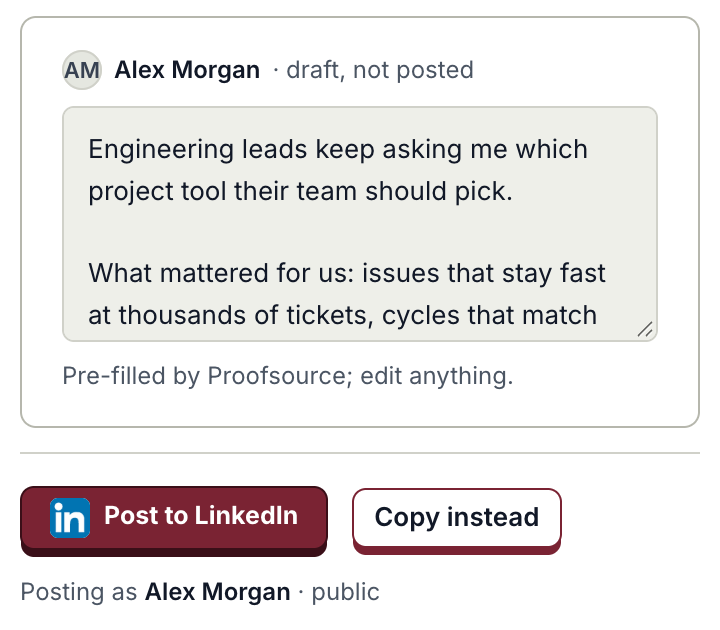
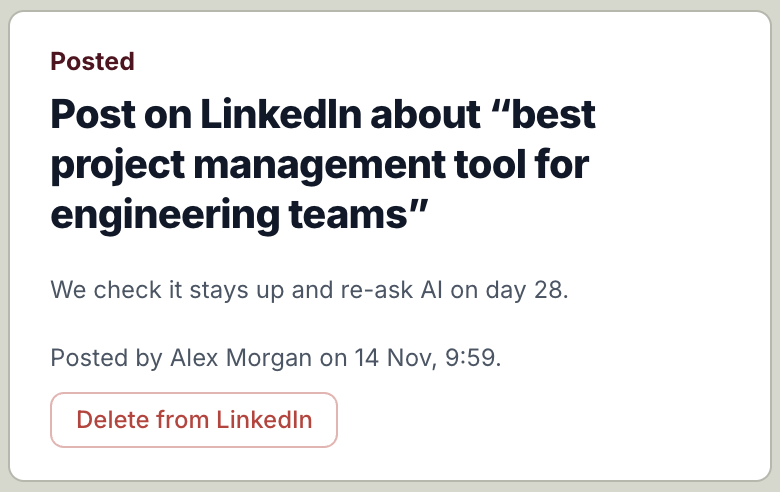
- 3Posted, and you can delete it
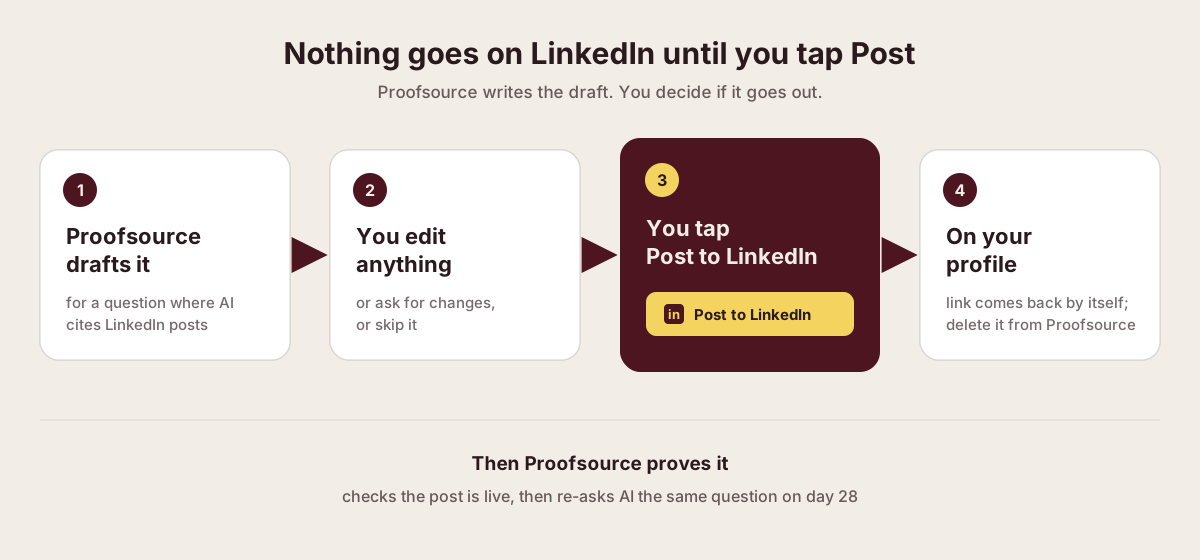
Proofsource drafts it
For a question where AI cites LinkedIn posts.
You edit anything
Or ask for changes, or skip it.
You tap Post to LinkedIn
It goes out on your own profile, public.
Then Proofsource proves it
It checks the post is live and re-asks AI on day 28.
Availability
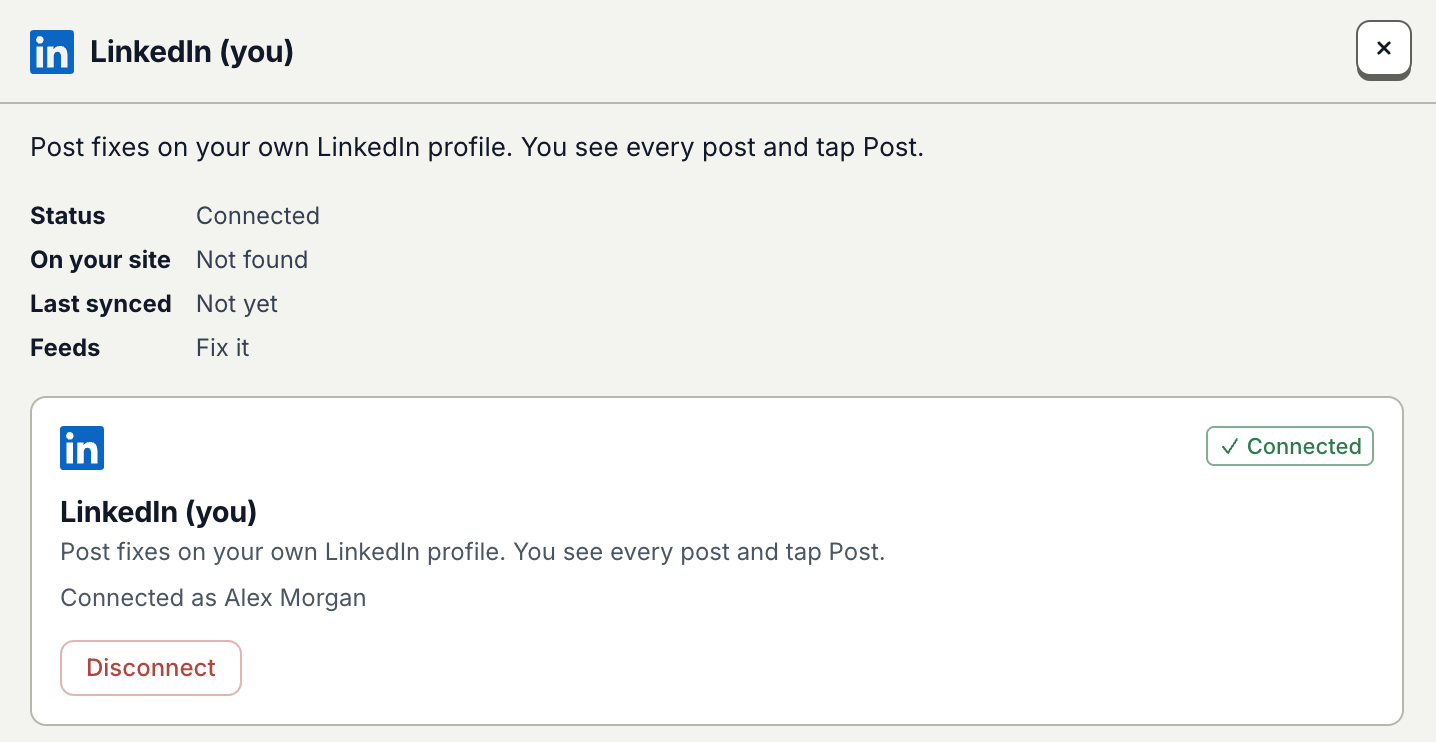
Live for every Proofsource workspace: open a LinkedIn task in Fix it, or LinkedIn (you) in Integrations.
Proofsource and LinkedInFurther reading
- Proofsource and LinkedInproofsource.co/integrations/linkedin
- Every Proofsource integrationproofsource.co/integrations
- LinkedIn: Share on LinkedIn, the API that posts for memberslearn.microsoft.com
- LinkedIn settings: apps you have allowedlinkedin.com

Published · Questions or feedback? Write to us