Some buyers never open a cold email but answer on LinkedIn the same day. Now one pitch reaches them on both, written from the same AI-visibility gap.
From connect to reply
- 1Connect HeyReach once
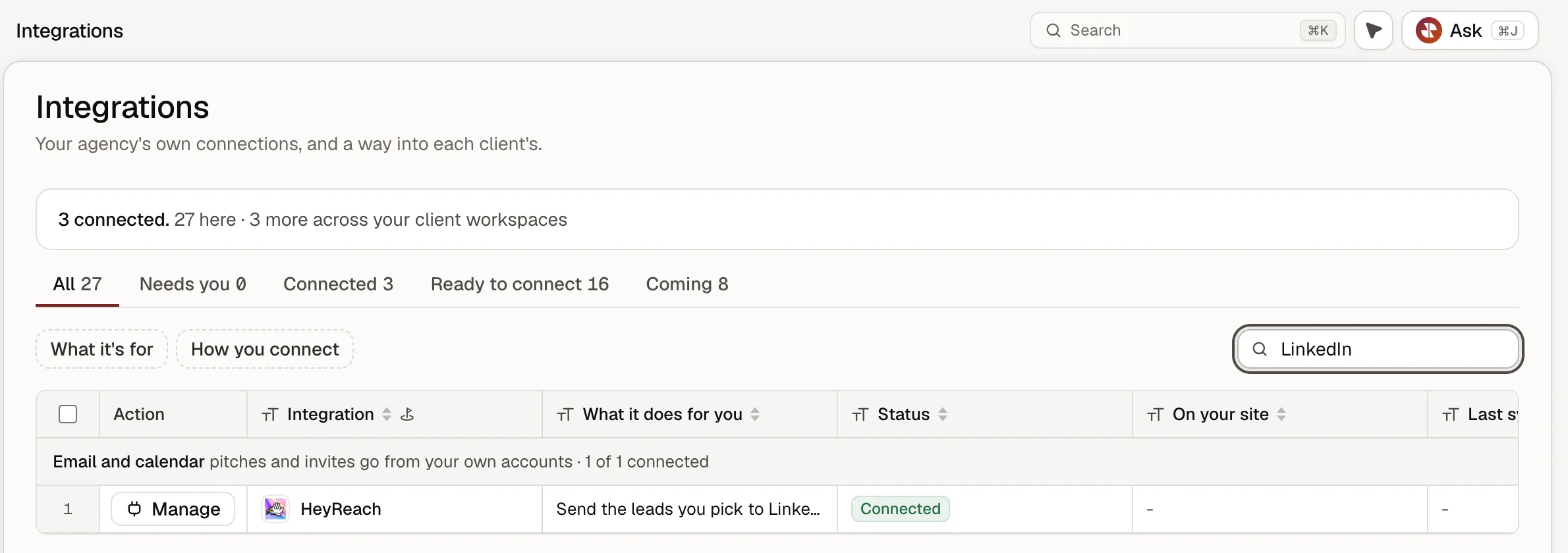
- 2Pick Send by

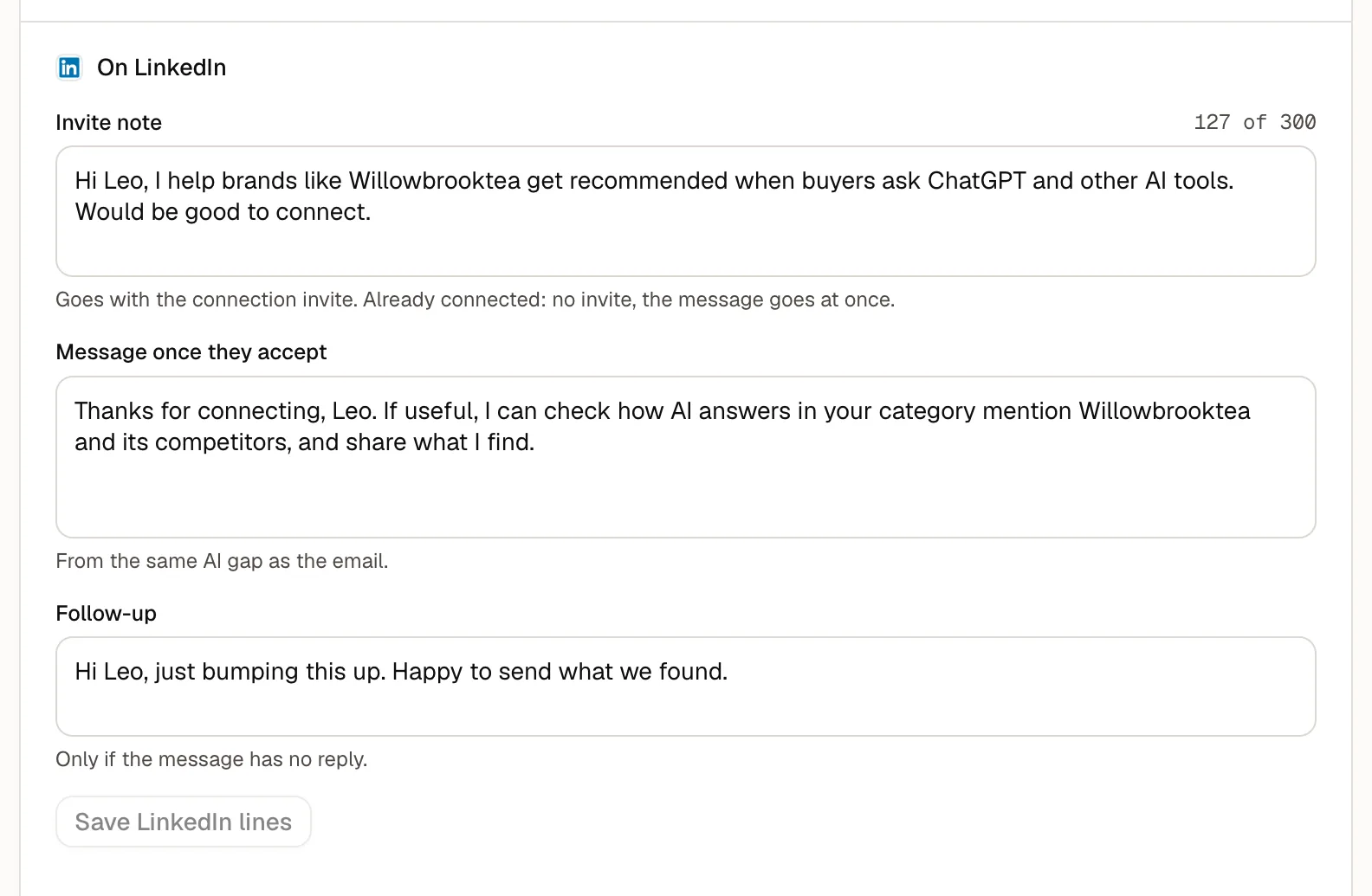
- 3Check the LinkedIn lines
- 4Follow it on the pitch
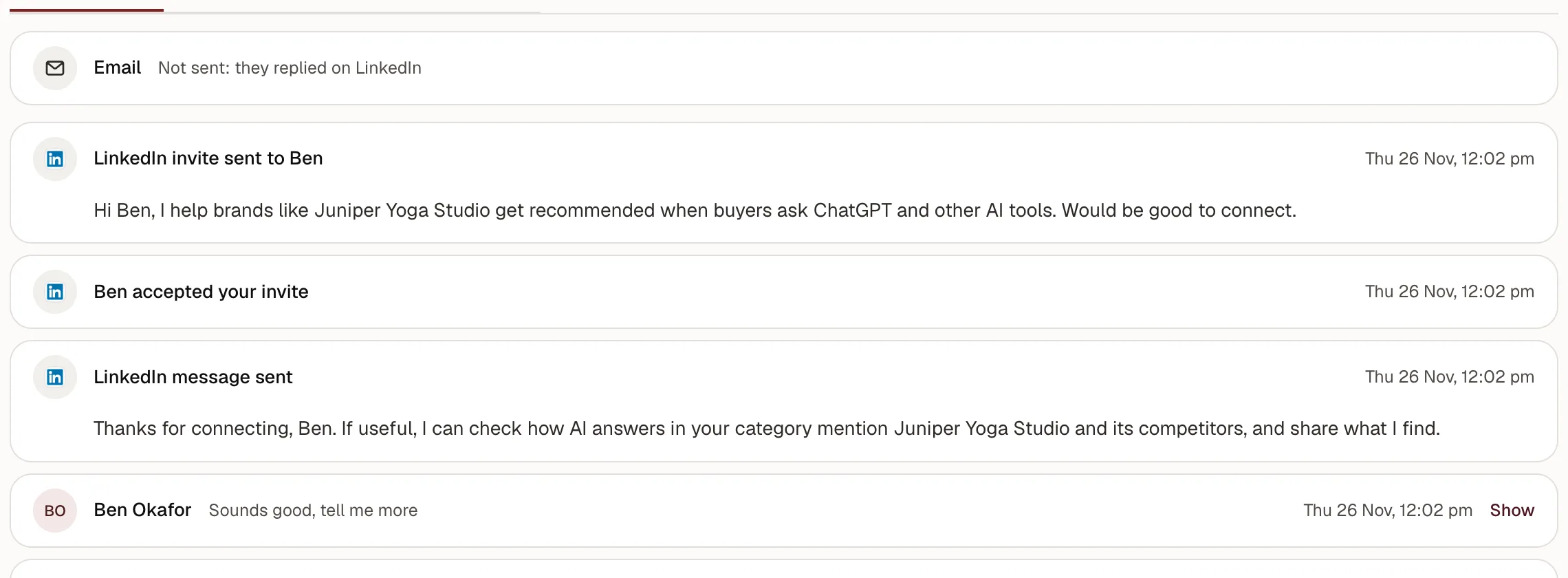
What goes, and when
- Already connected
The message goes at once.
- Not connected yet
An invite with a short note, the message once they accept, one follow-up 3 days later.
- Not accepted in 7 days
An InMail with Sales Navigator or Recruiter. Otherwise, with Both, the email.
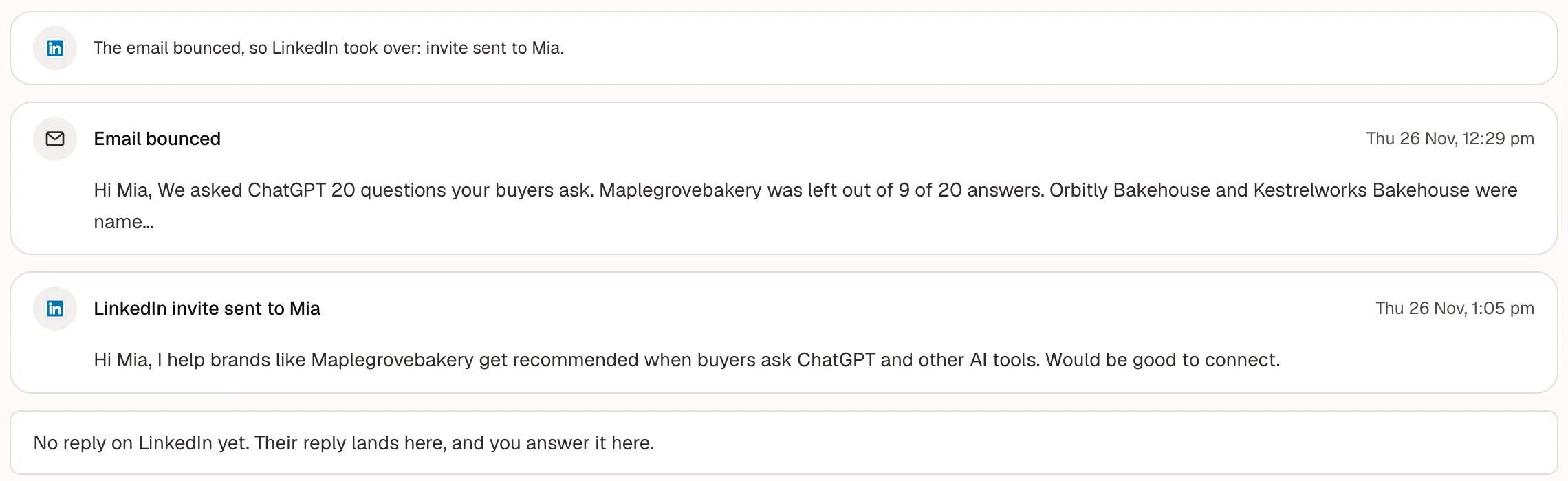
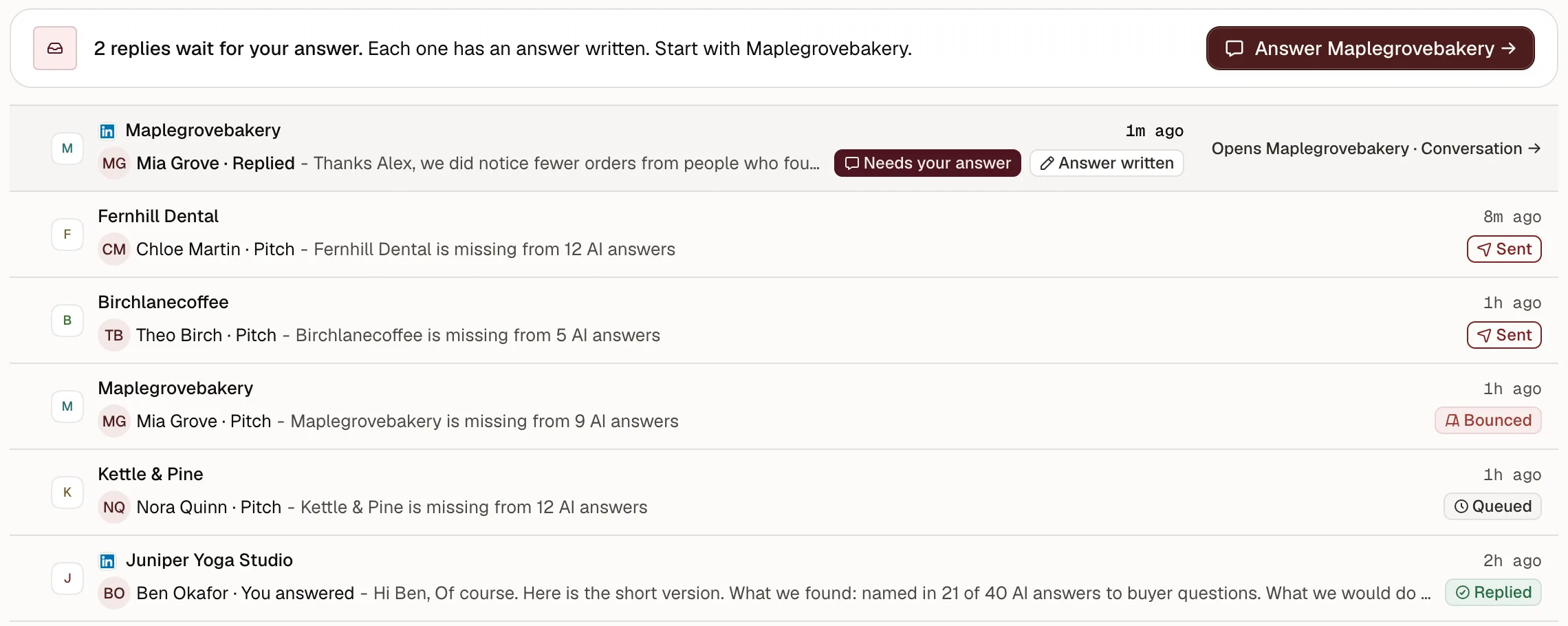
- Both, email first
LinkedIn starts 4 days later with no reply, or at once on a bounce.
- 3
- LinkedIn steps: invite, message, follow-up
- 1 reply
- stops both channels
- 0 credits
- for invites and messages
- Up to 2
- credits for the AI-written lines
- Email still works alone. LinkedIn is a second channel you add per pitch.
- No profile on file? Paste their linkedin.com/in/ link right in the composer.
- Short on credits? Type the LinkedIn lines yourself and send anyway.
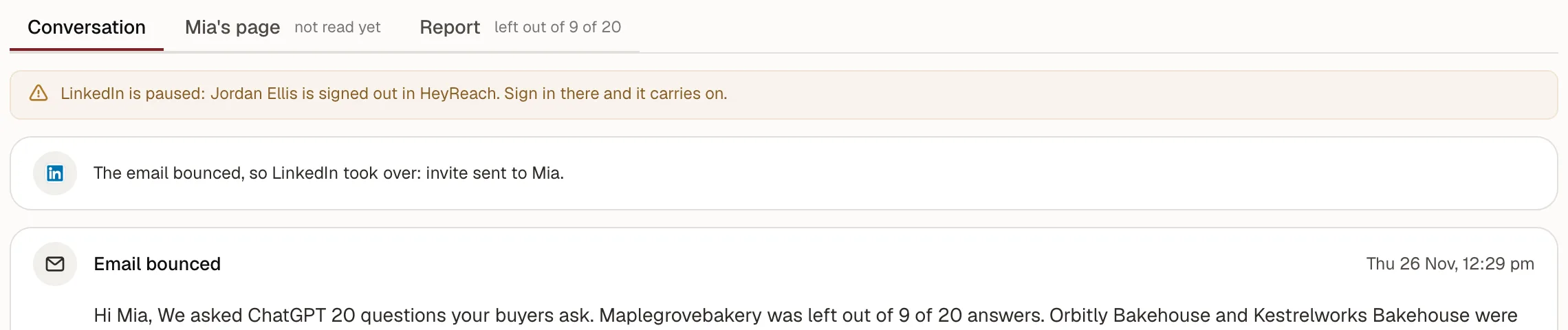
- Sender signed out? The pitch says LinkedIn is paused and carries on once you sign in to HeyReach again.
Availability
Live in every agency workspace. Connect HeyReach in Integrations, then pick Send by on your next pitch.
Read the step-by-step guideFurther reading
- LinkedIn outreach in agency mode: step by stepproofsource.co/docs/agencies/linkedin-outreach
- Send pitches from your own Gmailproofsource.co/announcements/2026-11-24-pitches-from-your-own-gmail
- Find leads, pitch them and follow upproofsource.co/announcements/2026-11-07-find-leads-pitch-follow-up
- Proofsource for agenciesproofsource.co/agencies
- HeyReachheyreach.io

Published · Questions or feedback? Write to us