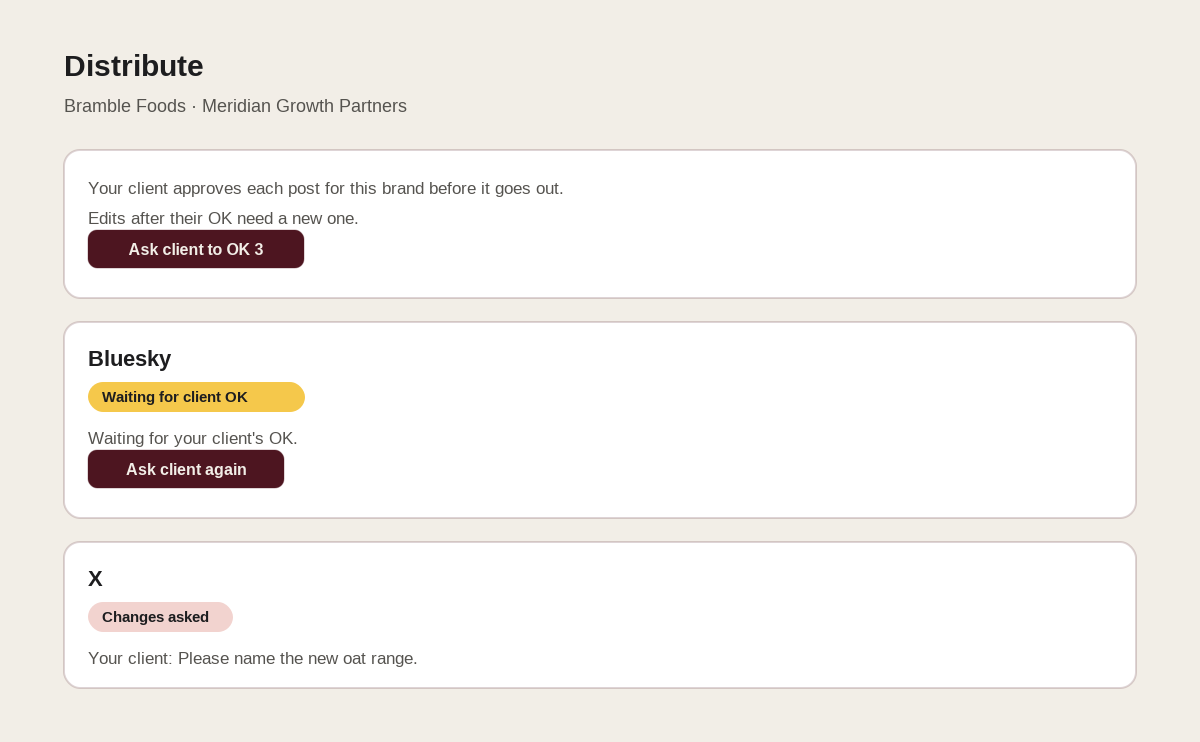
Clients want to see what goes out under their name. Now every post you draft for a client brand waits for their OK, and they give it in one tap.
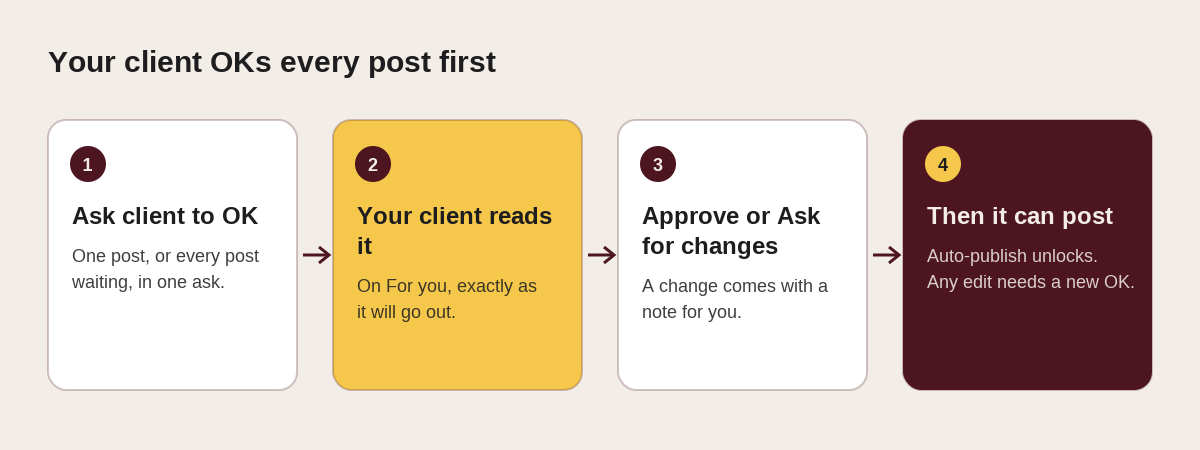
- Ask client to OK
One post, or every post waiting, in one ask.
- Your client reads it
On For you, exactly as it will go out.
- Approve or Ask for changes
A change comes with a note for you.
- Then it can post
Auto-publish unlocks. Any edit needs a new OK.
The client gets an email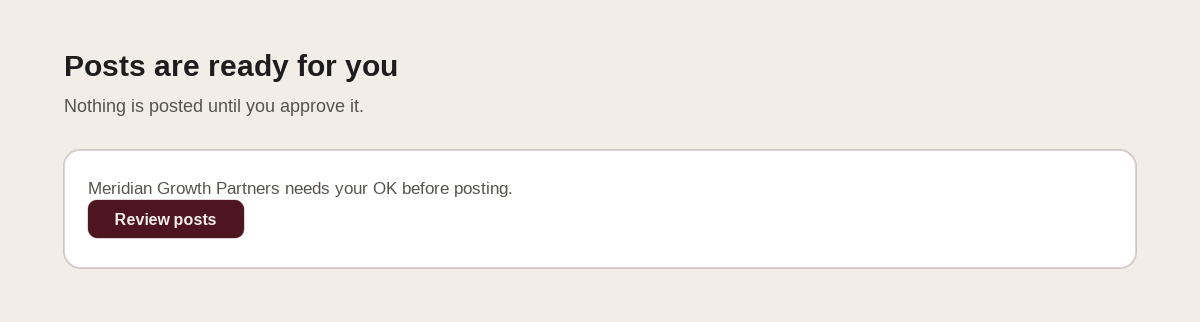
Approve, or ask for changes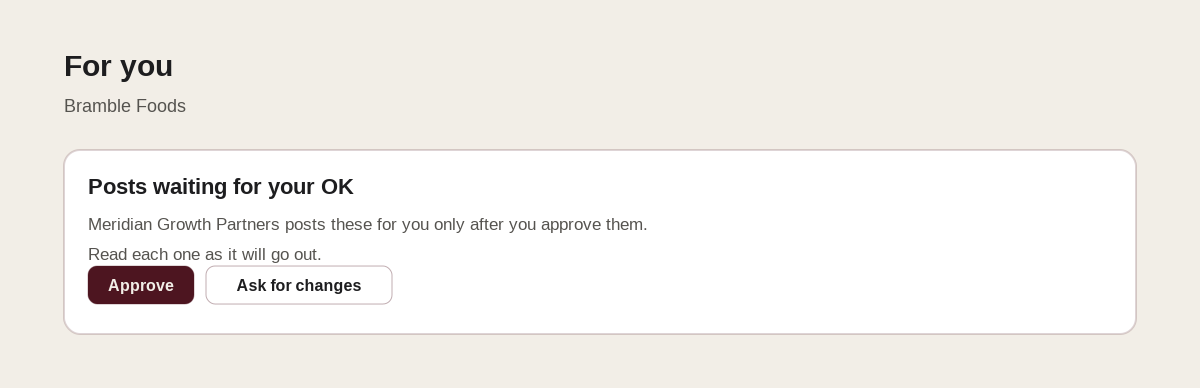
- Exact text. The OK covers the words the client read. Edit after it, and ask again.
- Notes, not guesses. Ask for changes needs a note, and you get an email when they decide.
- Ask once for many. Ask client to OK sends every waiting post at once.
- One setting first. Add your business address in Settings, or your client gets no email.
Availability
Live for every agency workspace posting for a client brand. The client needs a login to the brand; Invite your client adds one.
Proofsource for agenciesFurther reading
- Proofsource for agenciesproofsource.co/agencies
- Post as the brand, your agency or a teammateproofsource.co/announcements/2026-11-24-post-as-brand-agency-or-person
- The agency workspaceproofsource.co/announcements/2026-10-31-agency-workspace-ask-proof

Published · Questions or feedback? Write to us