Your username is in your address, name.proofsource.co, and in every booking link. Now you can change it, and nothing you have sent breaks.
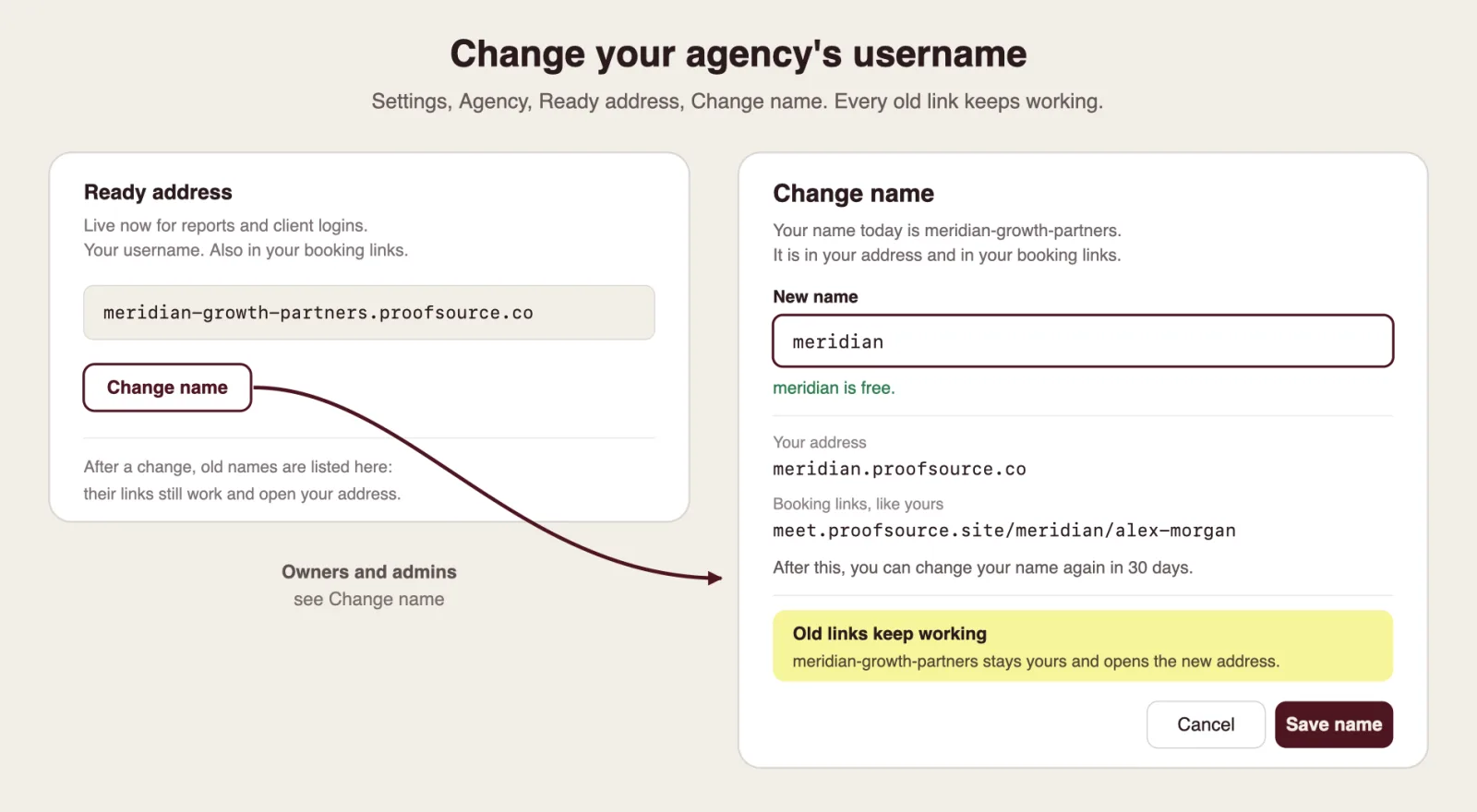
- Open Change name. In Settings, Agency, under Ready address. Owners and admins see it.
- Type a new name. It is checked as you type, with your new address and booking link shown before you save.
- Save. The new name is live, and your old names are listed under the address.
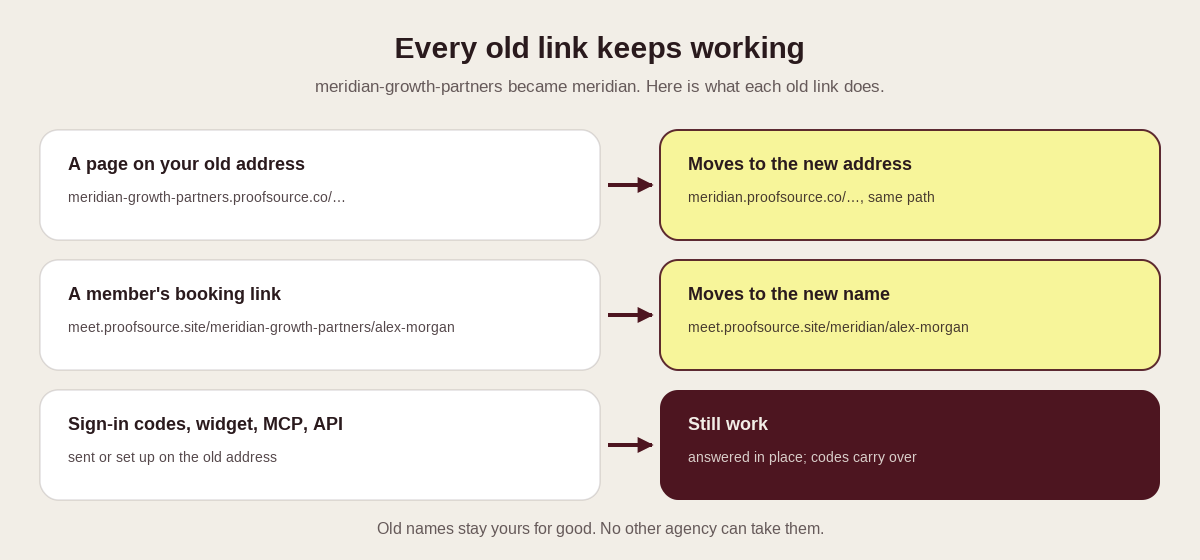
- Pages on your old address
Move to the new address, same path, within seconds of the change.
- Booking links
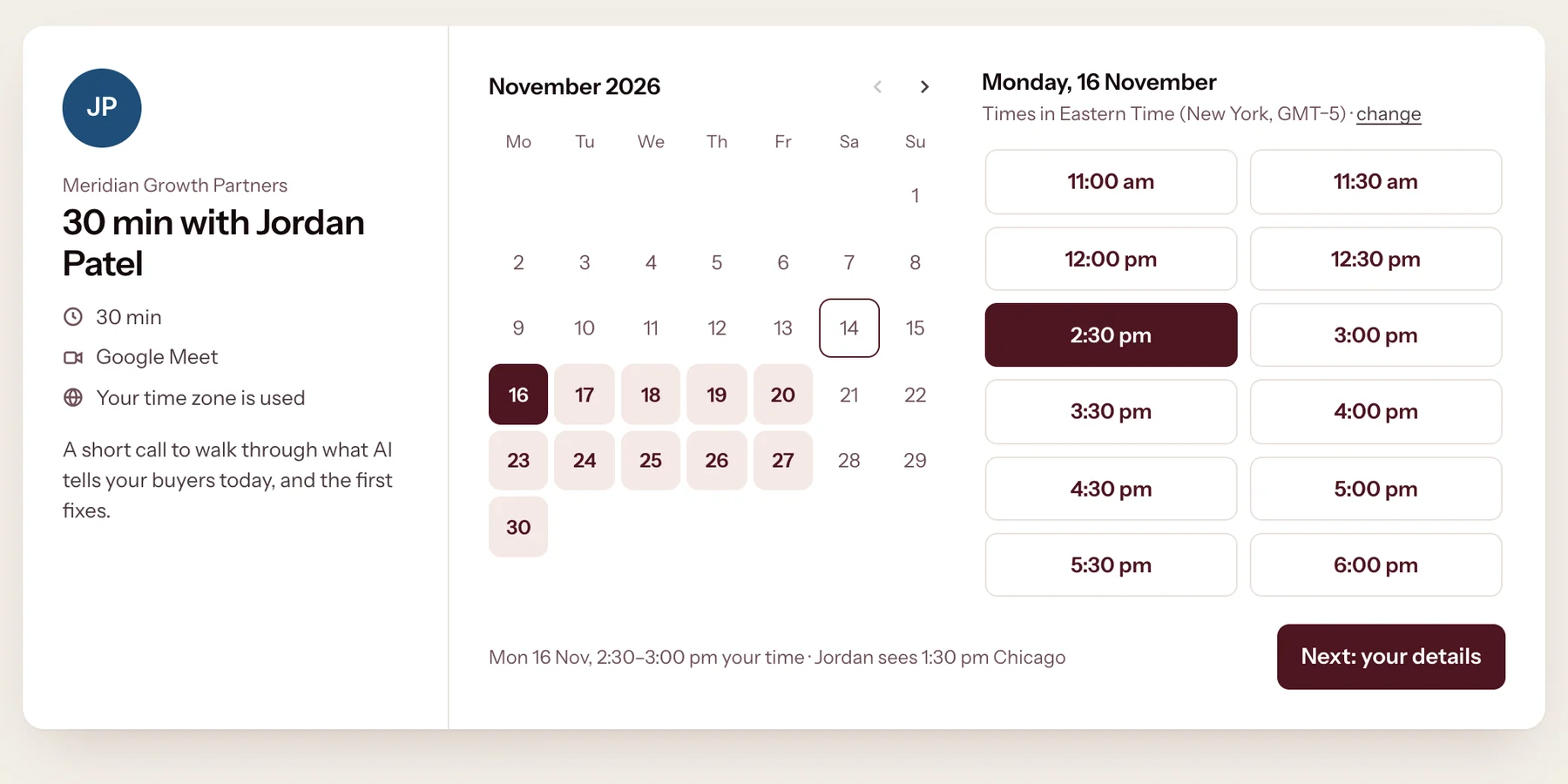
meet.proofsource.site/old-name/member moves to the new name.
- Sign-in codes, widget, MCP, API
Keep working where they are.
Old names stay yours
- Shared reports and sign-in links. They open on the new address.
- Sign-in codes. A code sent from the old address still signs you in.
- Widgets and MCP connectors. Nothing to update.
- No one else gets them. An old name is never handed to another agency.
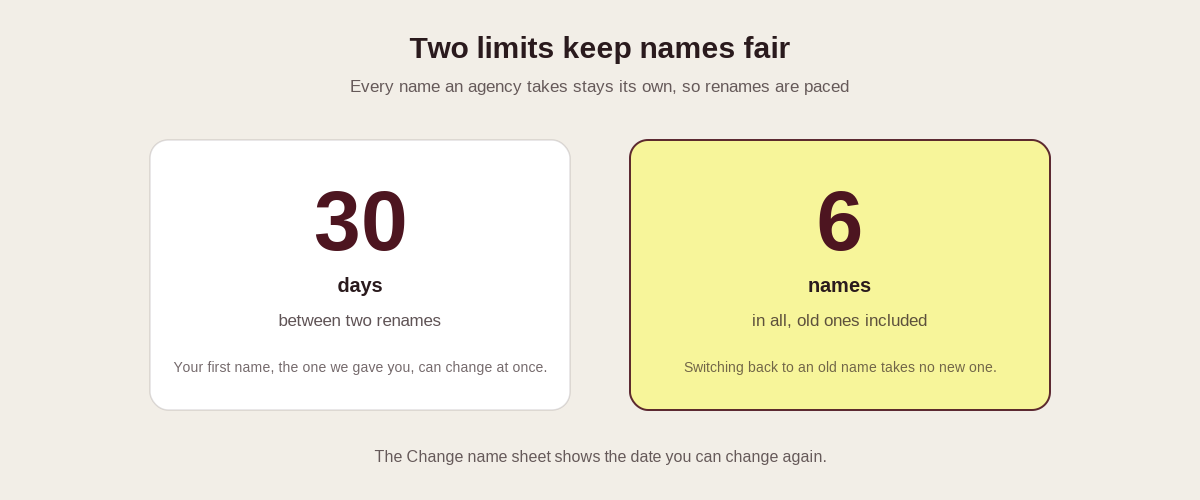
- 30 days
Between two renames. The name we gave you can change at once.
- 6 names
In all, old ones included. Switching back to one takes no new name.
- 30
- days between renames
- 6
- names in all, old ones included
- 40
- characters at most in a name
Availability
Live for every agency workspace. Owners and admins open Settings, Agency, then Change name under Ready address.
Proofsource for agenciesFurther reading
- Proofsource for agenciesproofsource.co/agencies
- How the agency workspace worksproofsource.co/agencies/how-it-works

Published · Questions or feedback? Write to us