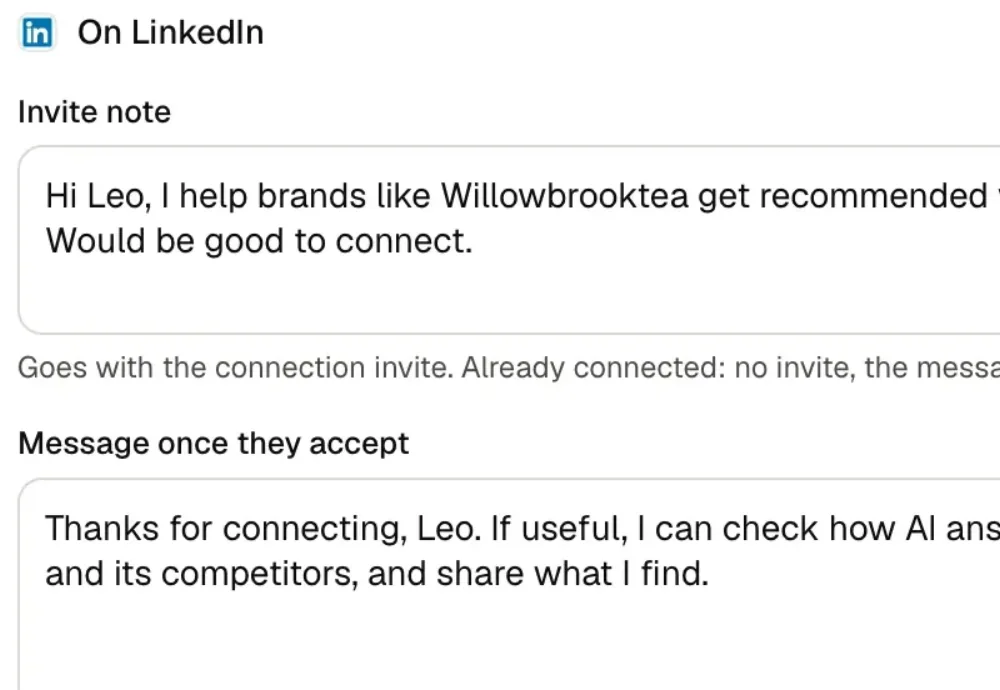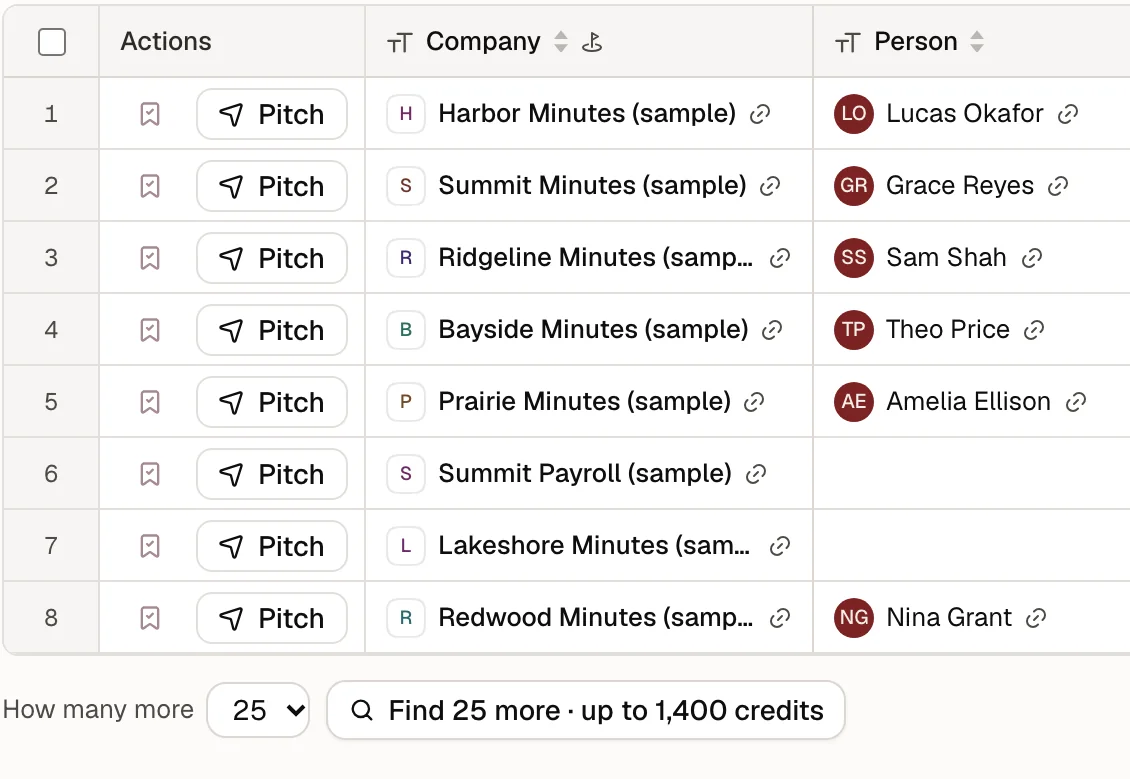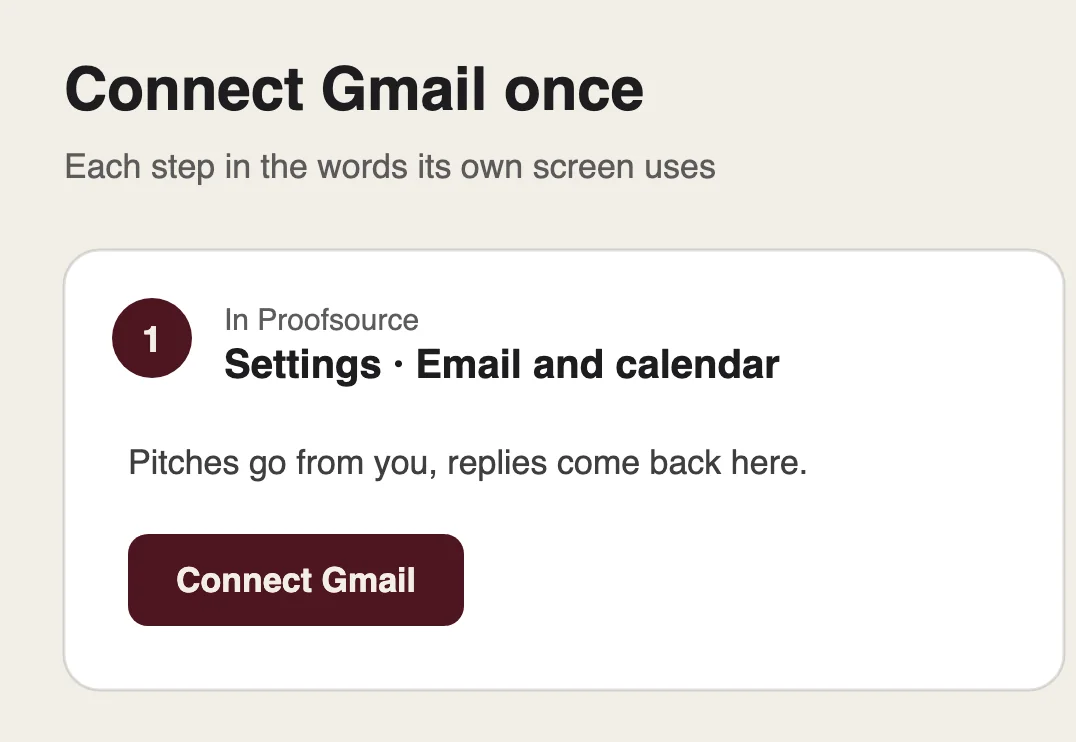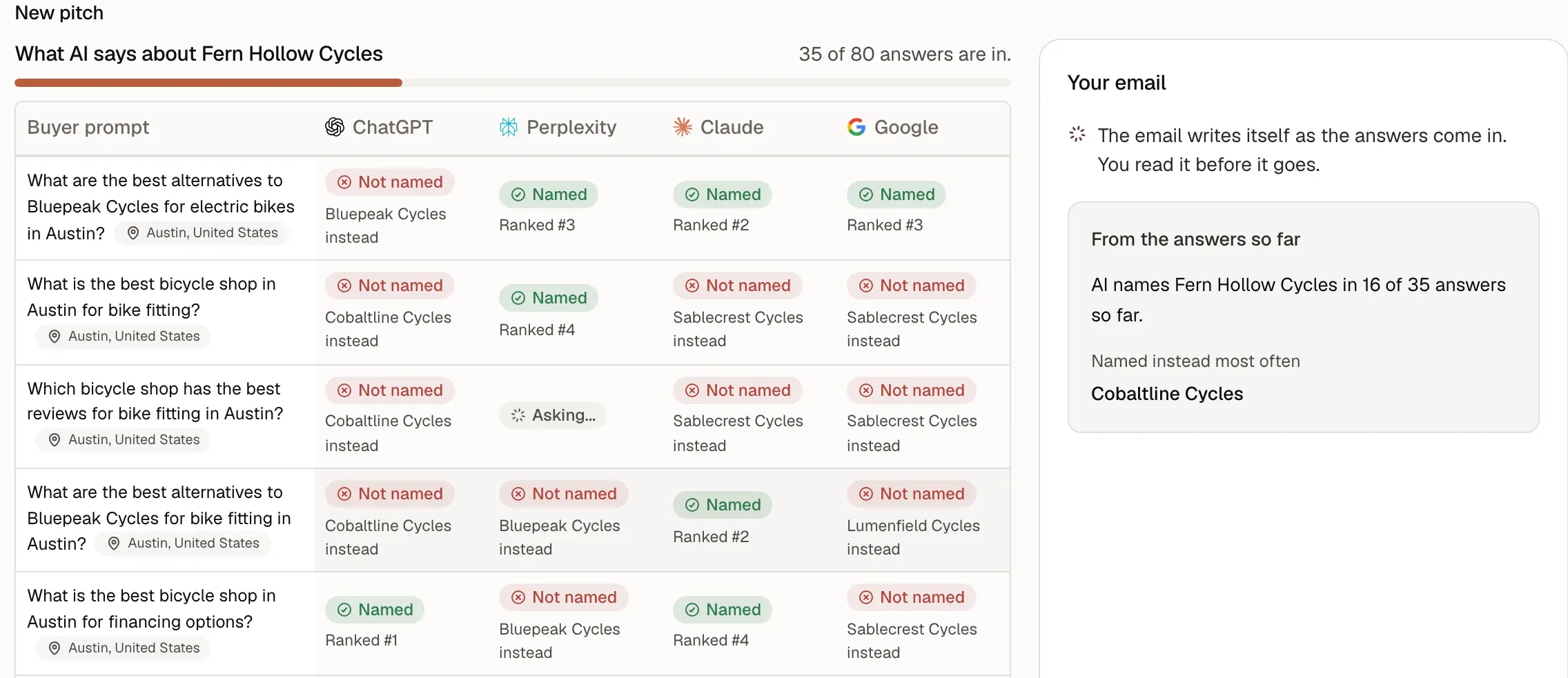
A pitch used to take a few screens. Now it is one: their site in a box, the plan below it, real AI answers coming in, and an email built on what AI said.
From a site to a pitch
- 1Paste their site
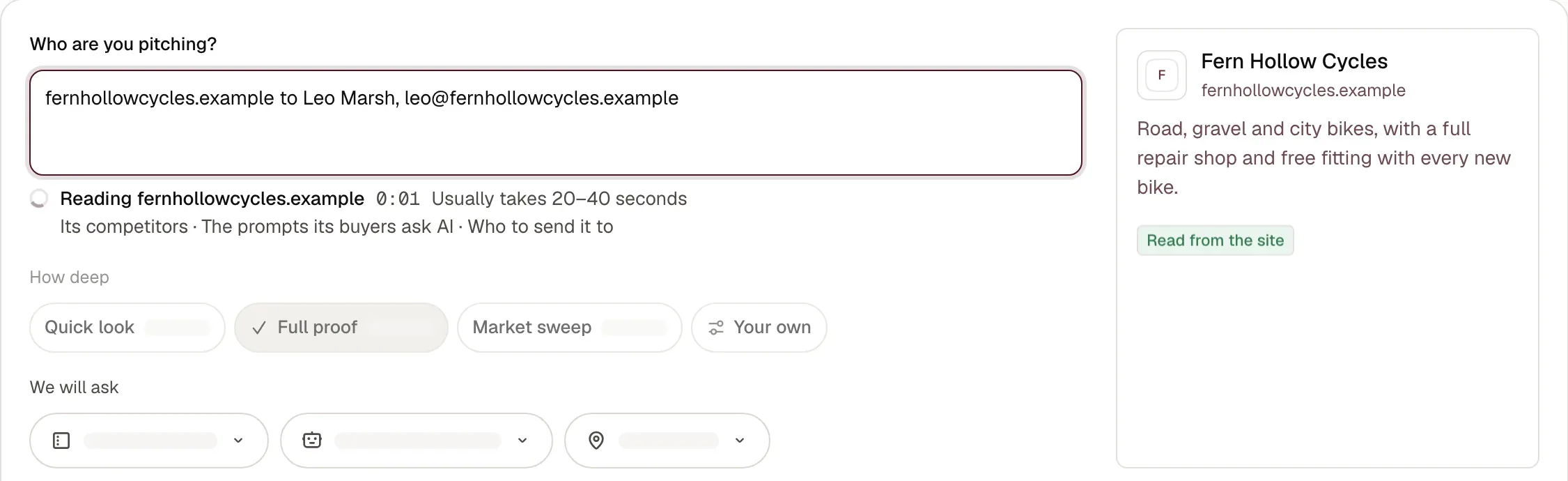
- 2Check the plan

- 3Watch answers come in
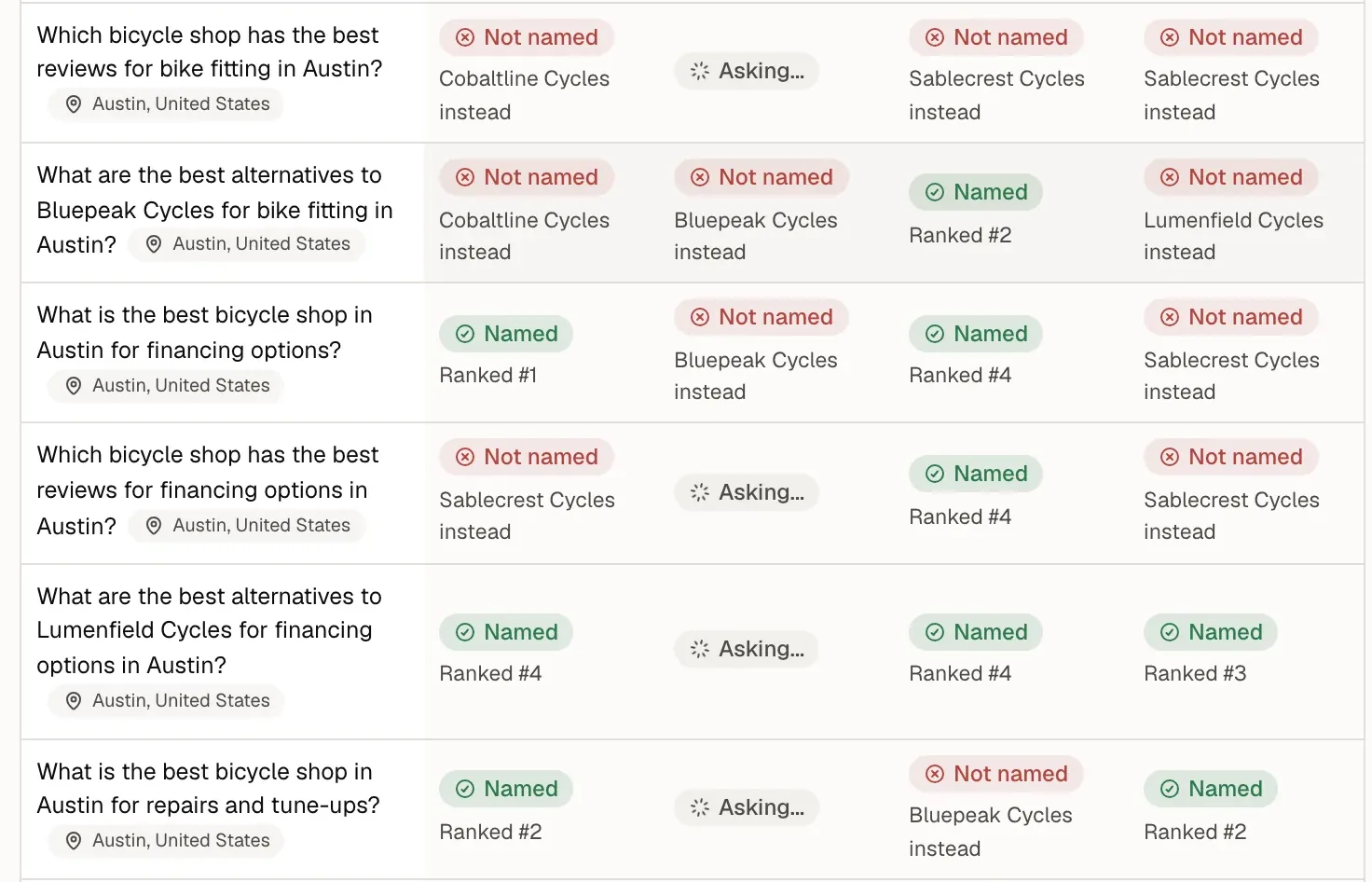
- 4Review and send
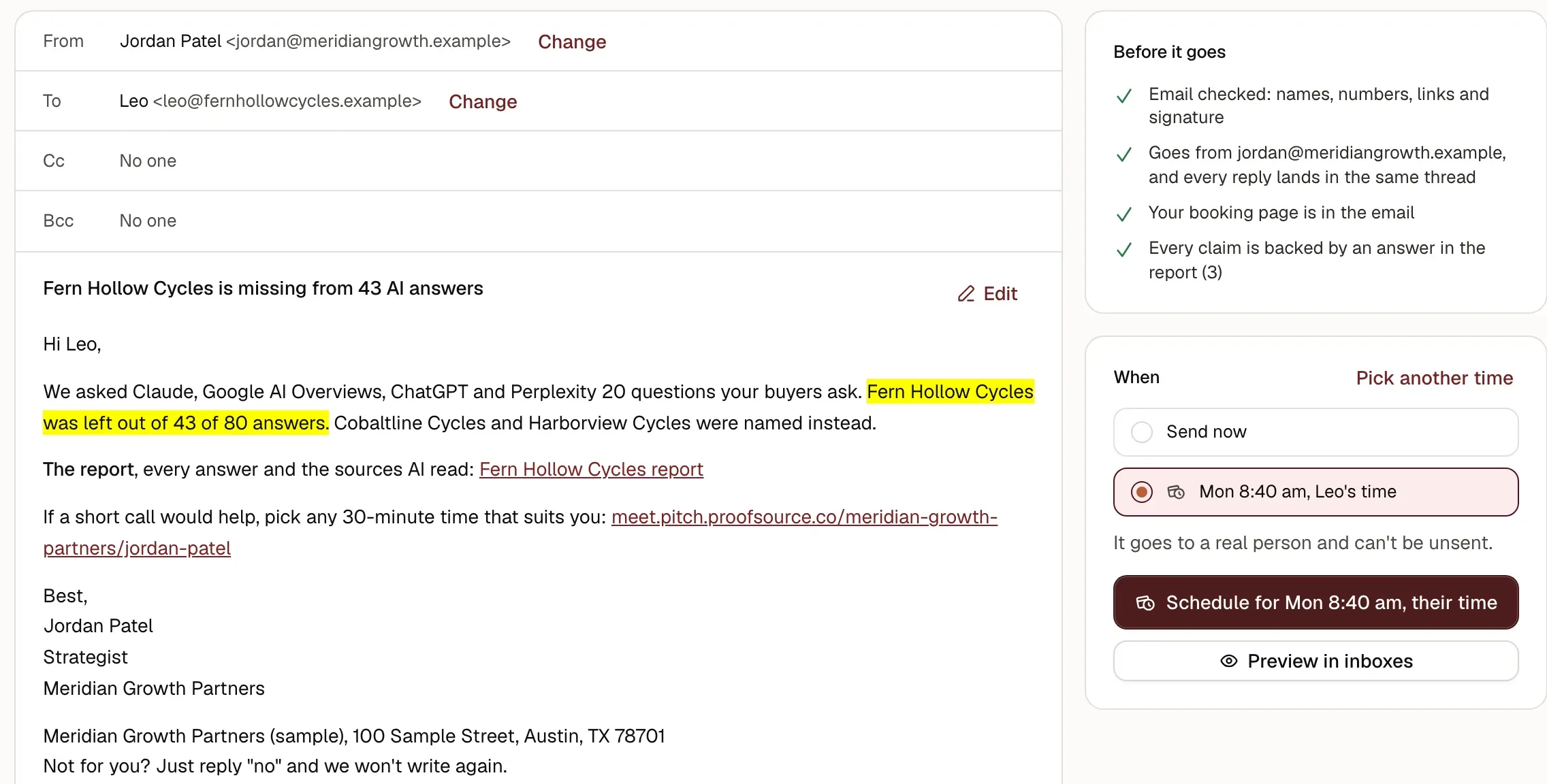
What happens on the screen
- Reading is free
The site is read as soon as you stop typing. It names the business, its competitors and who to email.
- Pick how deep
Quick look, Full proof, Market sweep or Your own. Each shows its credits before you start.
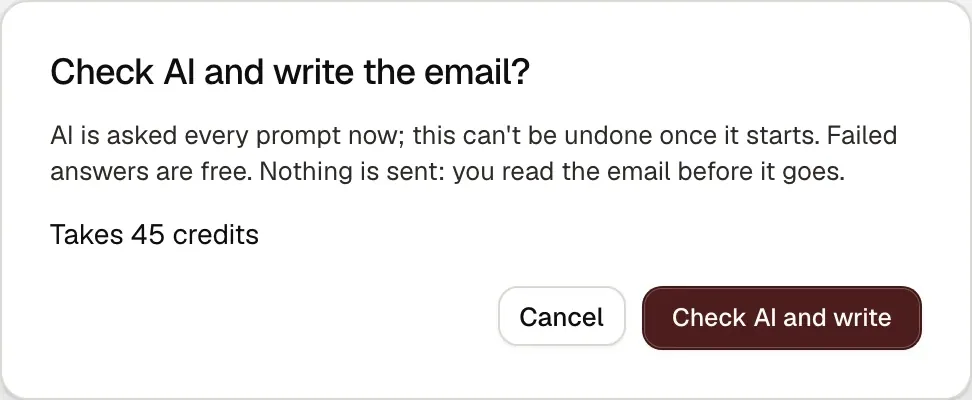
- Check AI and write
One confirm, then every prompt is asked. Failed answers are free and nothing is sent yet.
- Read it, then send
The pitch opens with its checks done. Send now or pick a time in their day.
Pitch again
Already pitched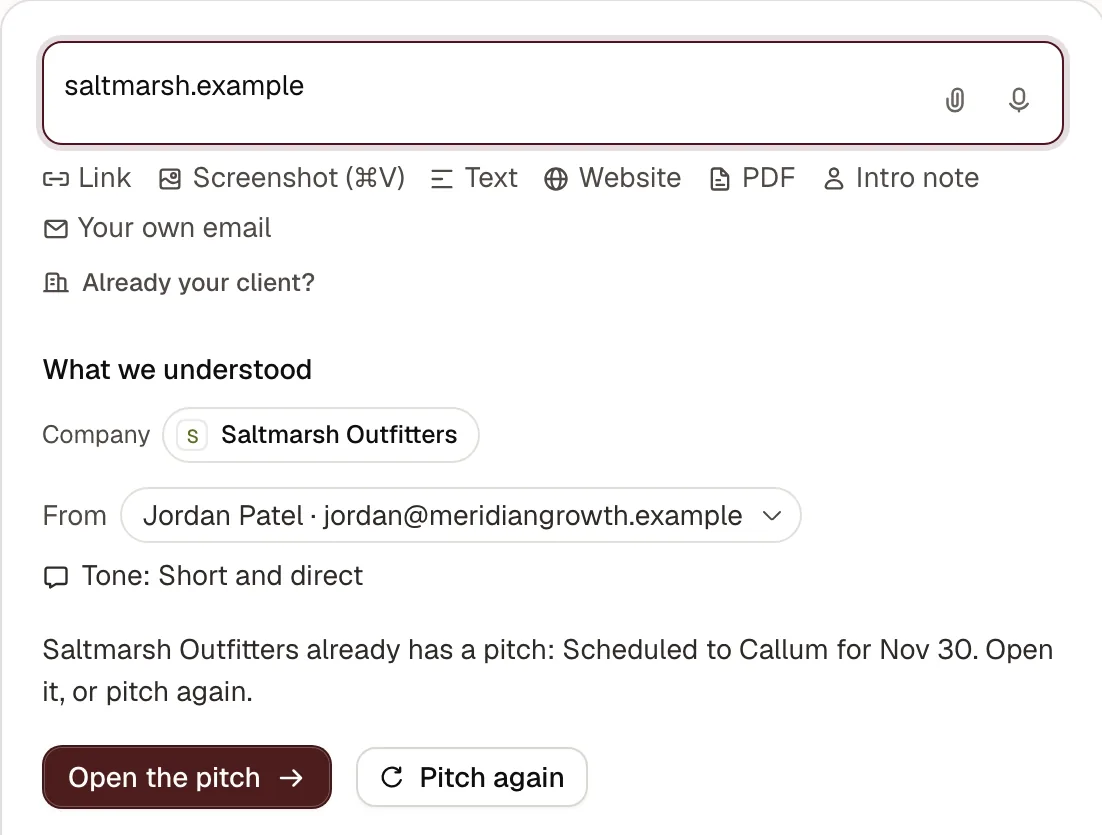
Close old, start new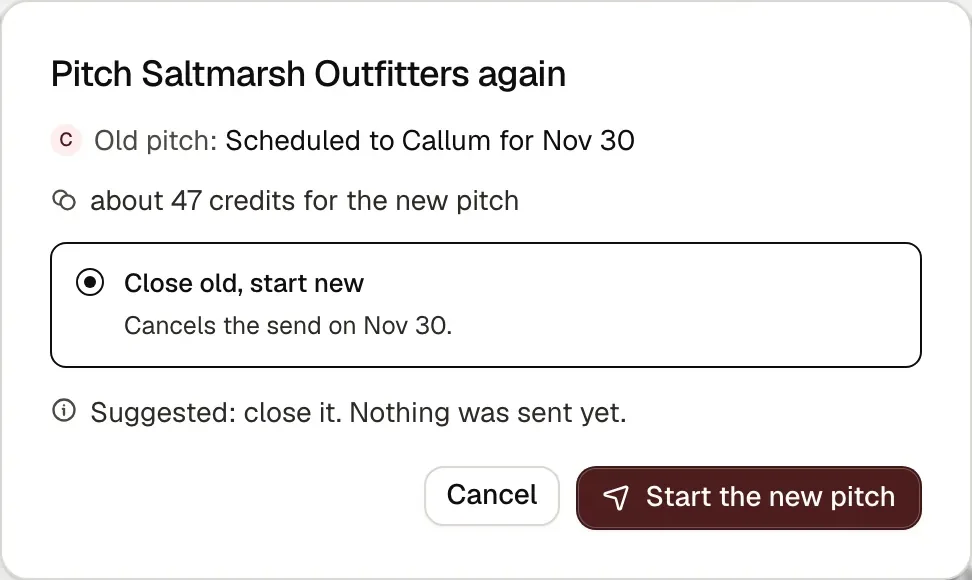
- 0 credits
- to read their site
- 4
- AI engines in one grid
- 1 confirm
- before any credits are taken
- 0 credits
- for failed answers
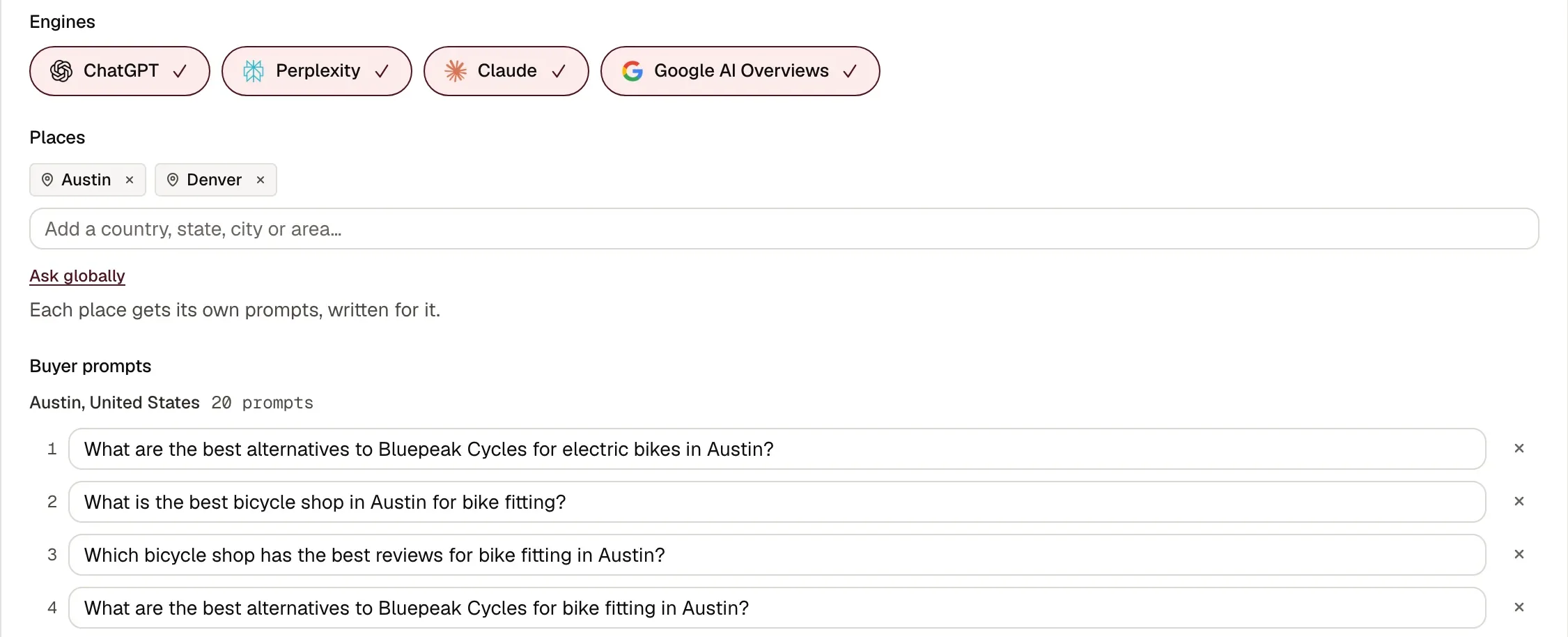
- Local business? Add their cities. The prompts are rewritten for each place.
- Your own prompts? Edit any prompt, Add one, or press Suggest one.
- Each prompt counts once. The credits shown are the plan you see, nothing more.
- Left midway? The box and your picks come back when you return.
Further reading
- Find leads, pitch them and follow upproofsource.co/announcements/2026-11-07-find-leads-pitch-follow-up
- Send pitches from your own Gmailproofsource.co/announcements/2026-11-24-pitches-from-your-own-gmail
- Pitch on LinkedIn tooproofsource.co/announcements/2026-11-26-linkedin-in-agency-pitches
- Proofsource for agenciesproofsource.co/agencies

Published · Questions or feedback? Write to us