When buyers ask AI to compare brands in your category, the answers often cite review sites. Now Proofsource helps you get honest reviews there, and answer the ones you get.
 G2Invite email with your link
 CapterraInvite email with your link
 GoogleInvites; replies you copy
 TrustpilotTrustpilot sends its own invite
 App StoreReplies sent from Proofsource
 Google PlayReplies sent from Proofsource
 YelpReplies you copy and post
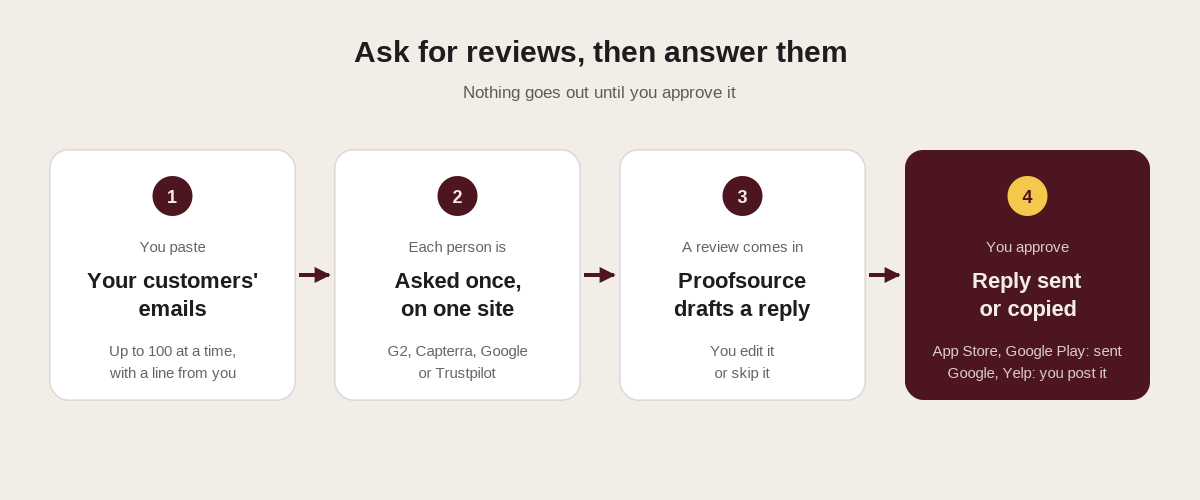
- You paste emails
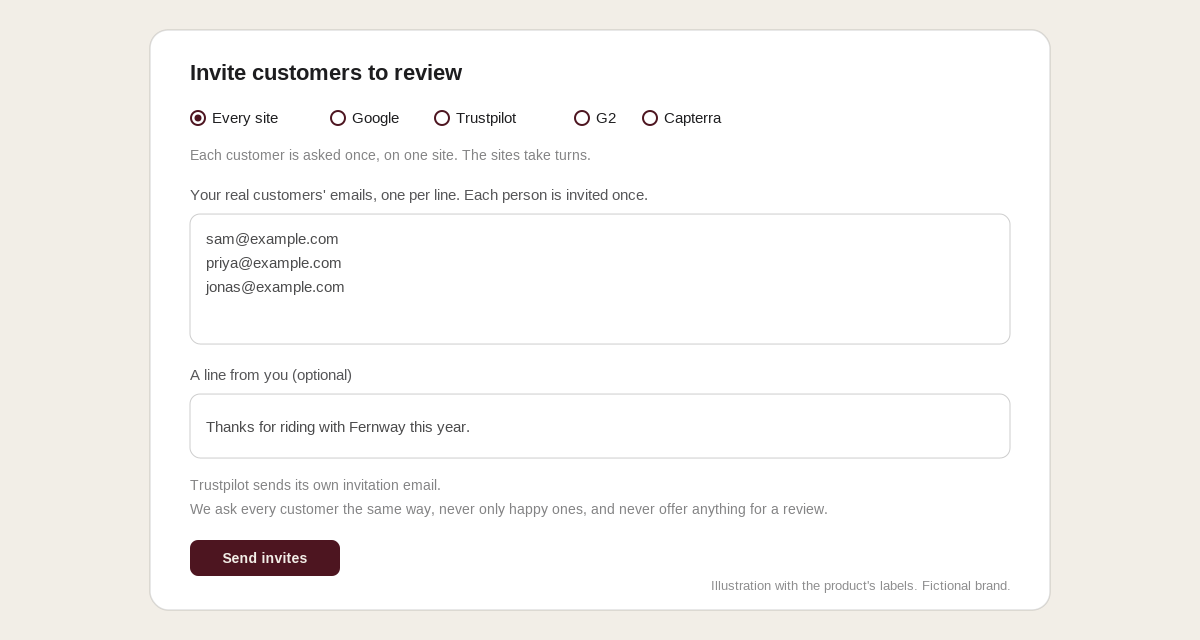
Up to 100 real customers at a time, with an optional line from you.
- Each is asked once
On one site. With Every site, the sites take turns.
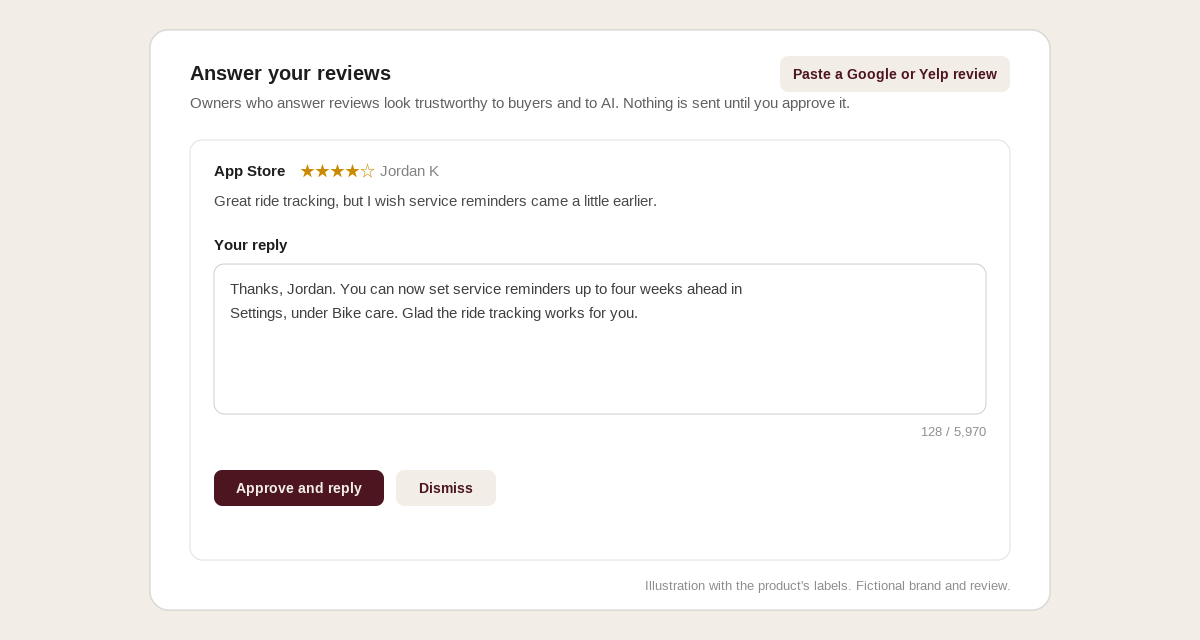
- Proofsource drafts a reply
For each new review. Edit it or skip it.
- You approve
App Store and Google Play replies are sent. Google and Yelp replies are copied for you to post.
Answer your reviews
- Honest asks only. Every customer is asked the same way, and an invite can never offer anything for a review.
- Never twice. Each address is invited once per site, and never again after it opts out.
- Your own store connection. Connect App Store Connect or Google Play in Integrations to reply from Proofsource.
- Google and Yelp stay yours. Paste a review, approve the draft, and post the copied reply yourself.
- 100
- customers per invite send
- 2 credits
- per drafted reply; a failed draft is free
- 0 credits
- to send invites
Availability
Live for every brand. Invite customers from Integrations or the Reviews page; answer reviews in Fix it.
Proofsource and TrustpilotFurther reading
- Ratings in every reportproofsource.co/announcements/2026-10-10-ratings-in-every-report
- Proofsource and G2proofsource.co/integrations/g2
- Proofsource and App Store Connectproofsource.co/integrations/app-store-connect
- Every place Proofsource actsproofsource.co/everywhere

Published · Questions or feedback? Write to us