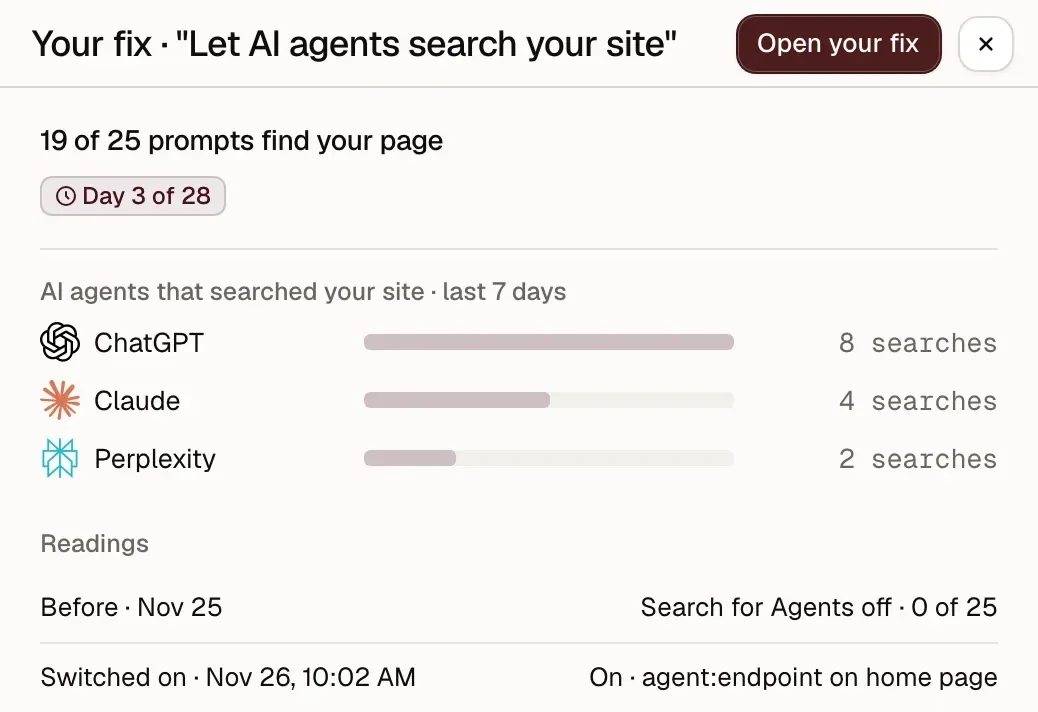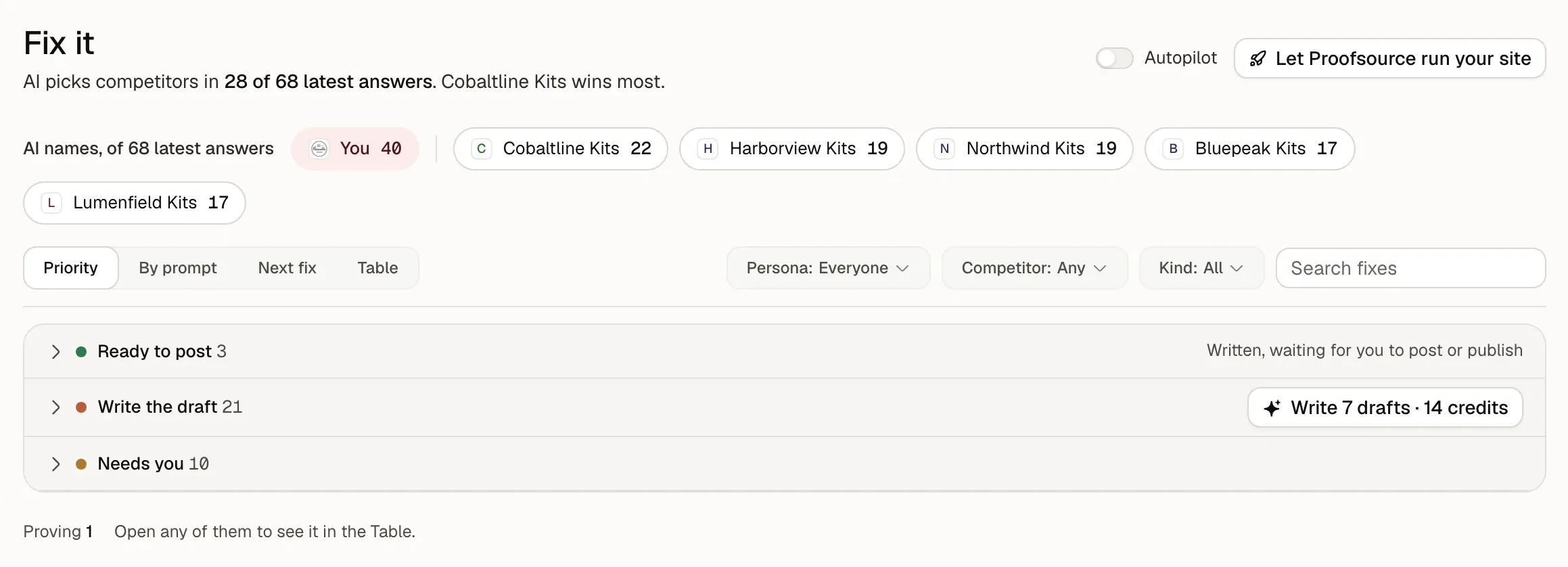
Fix it used to ask you to read a table. Now it tells you who is winning, and lists what to do next in the order it matters.
- Ready to post
Written and waiting for you to post or publish.
- Write the draft
Write one, or every draft in the group at once.
- Needs you
A connection or an answer only you can give.
- We're on it
Running now. Nothing for you to do.
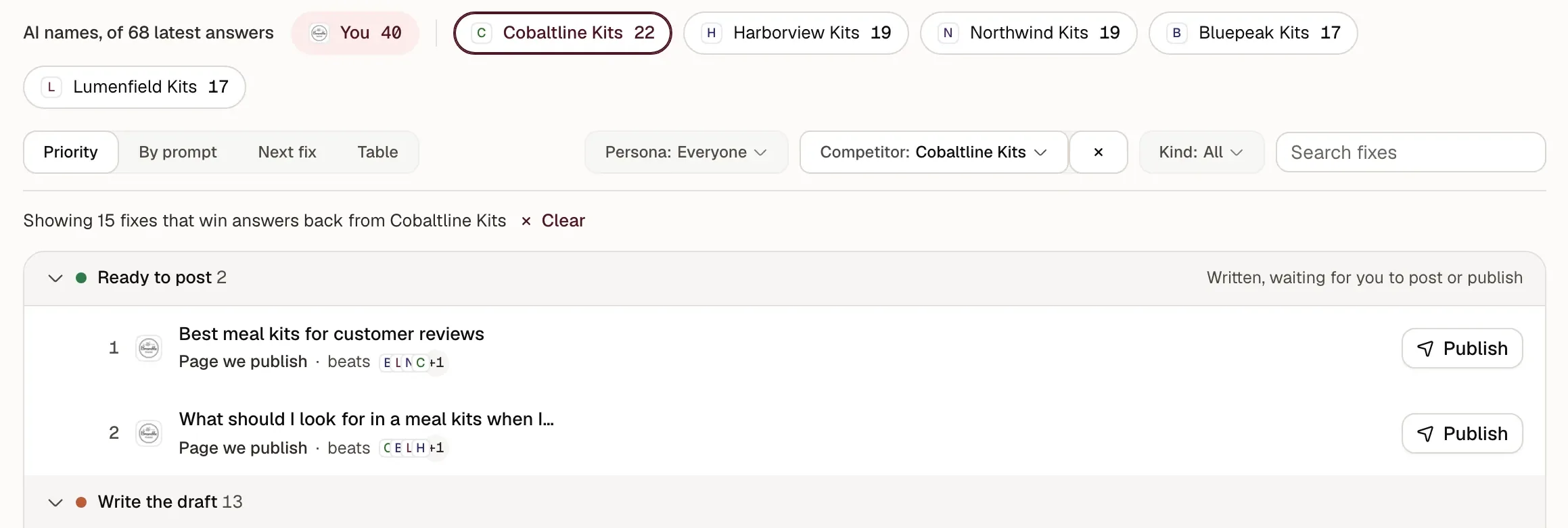
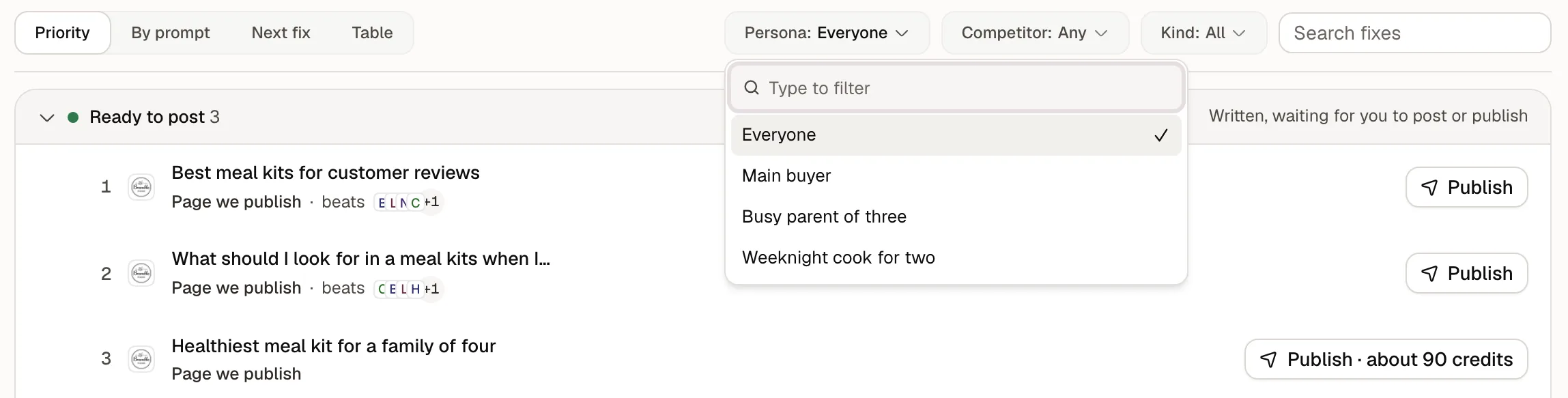
- Four views. Priority is the default, beside By prompt, Next fix and Table.
- Credits before you click. Every button shows what it uses.
- Steps you do yourself. On self-serve plans, a step only a person can do shows a checklist and copy buttons, then I did it.
Availability
Live for every brand with a first scan. Open Fix it from the Work side of the sidebar.
Start freeFurther reading
- Fix it, by the prompt each fix wins backproofsource.co/announcements/2026-11-23-fix-it-by-question
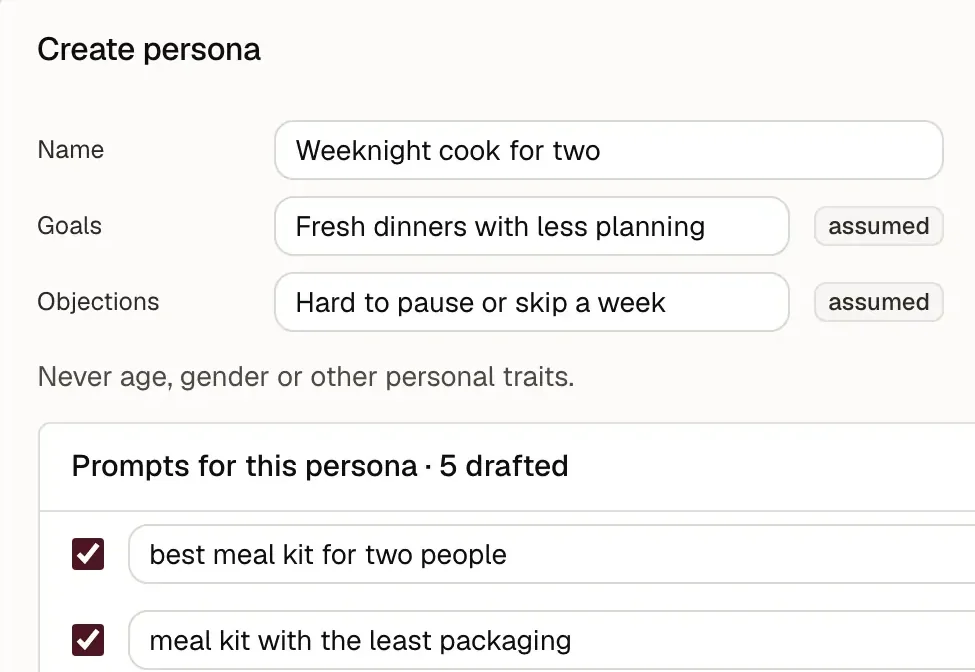
- Personas: see what AI tells each kind of customerproofsource.co/announcements/2026-11-27-personas-prompts-first

Published · Questions or feedback? Write to us