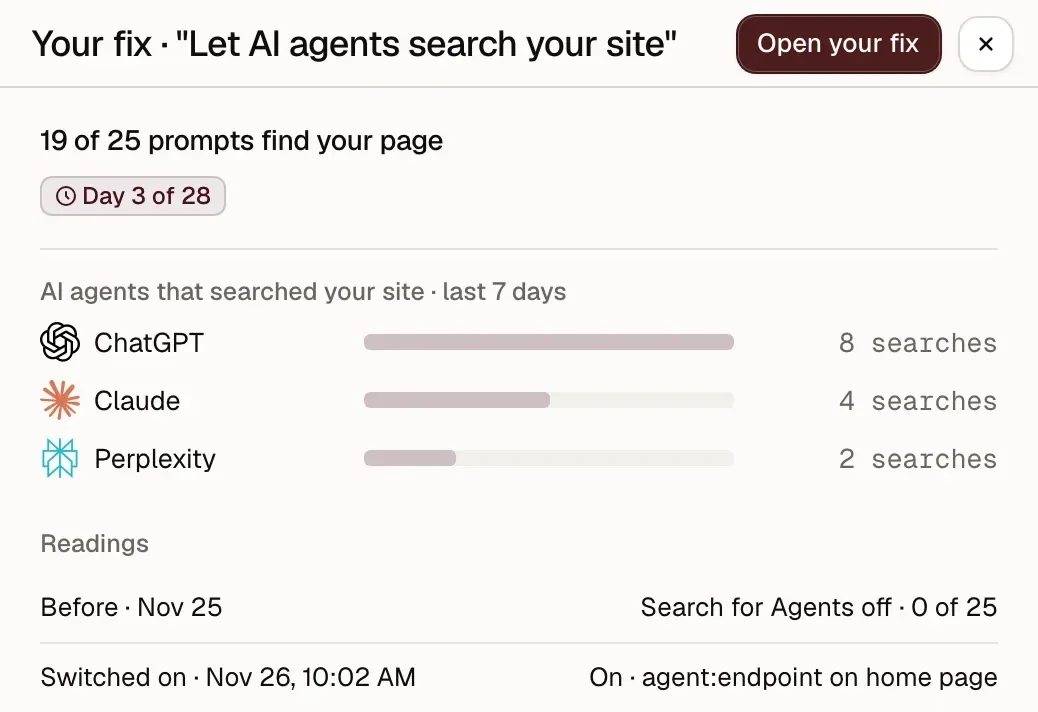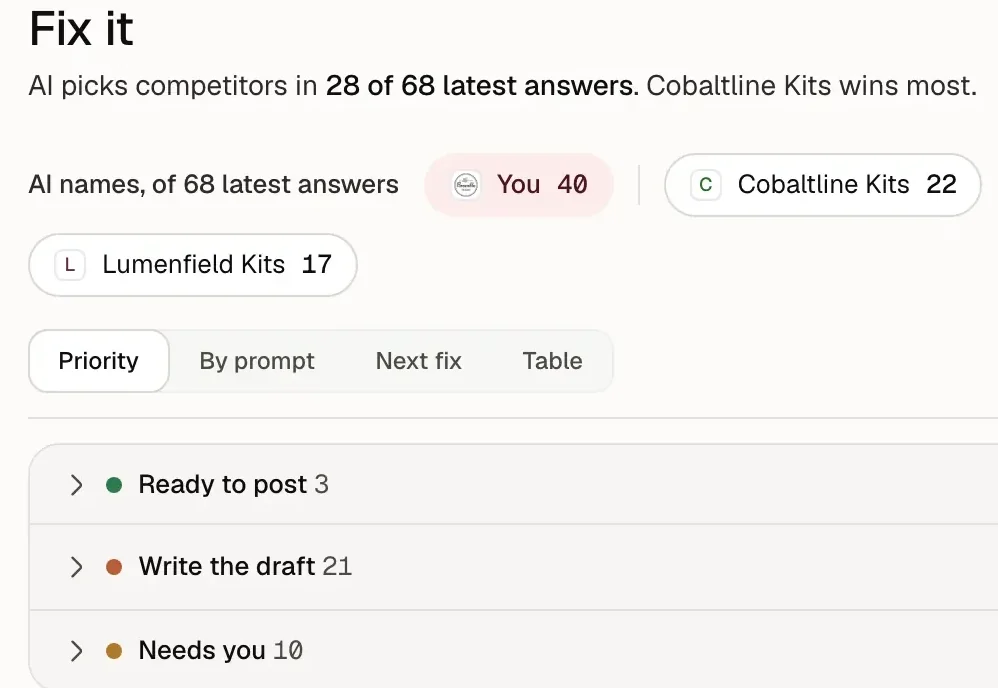

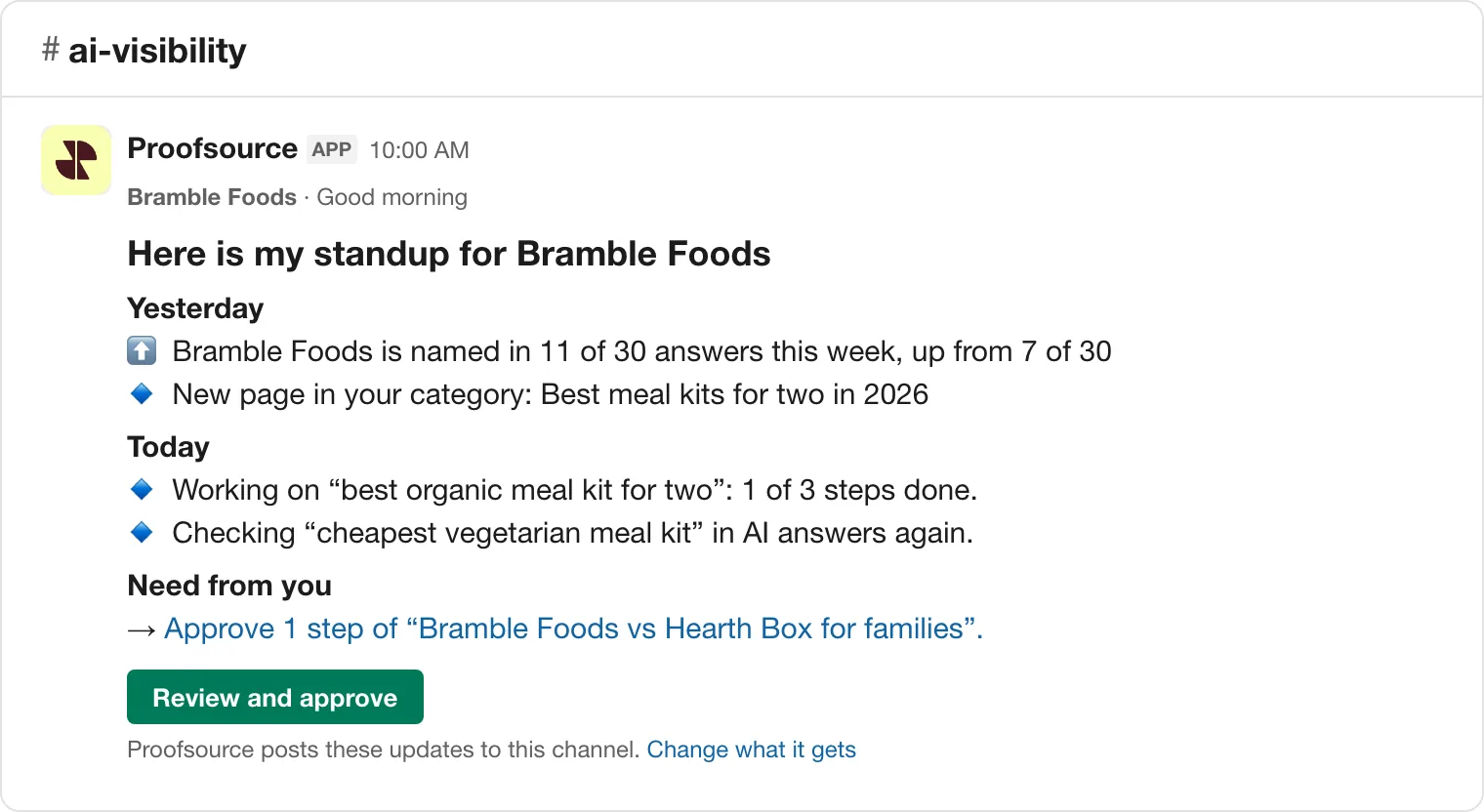
Slack alerts used to be one line of text. Now each one is a full post: what changed, the numbers behind it, and one button to the right page.
Connect once, pick the channel
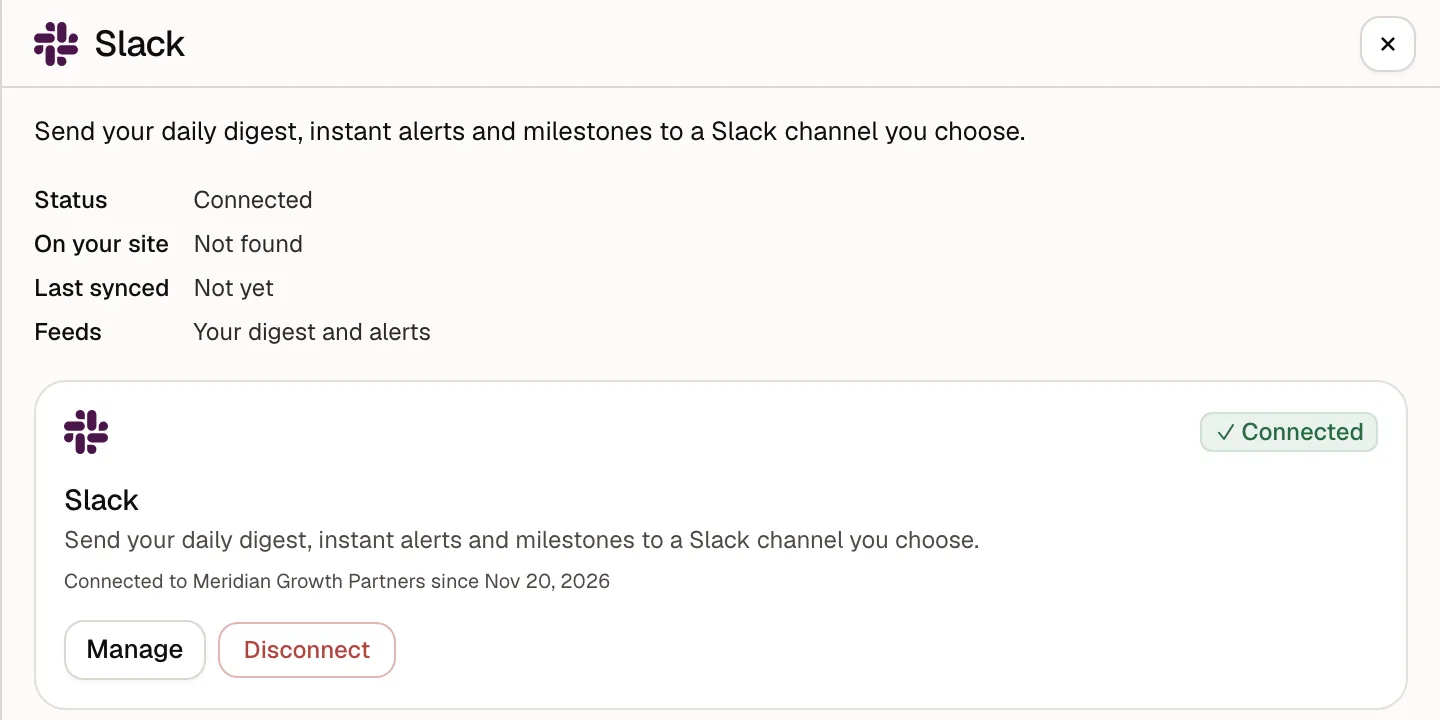
- 1Slack connected

- 2Open Manage
- 3Pick channel and moments
- Connect Slack
From Integrations, approve the Proofsource app for your workspace.
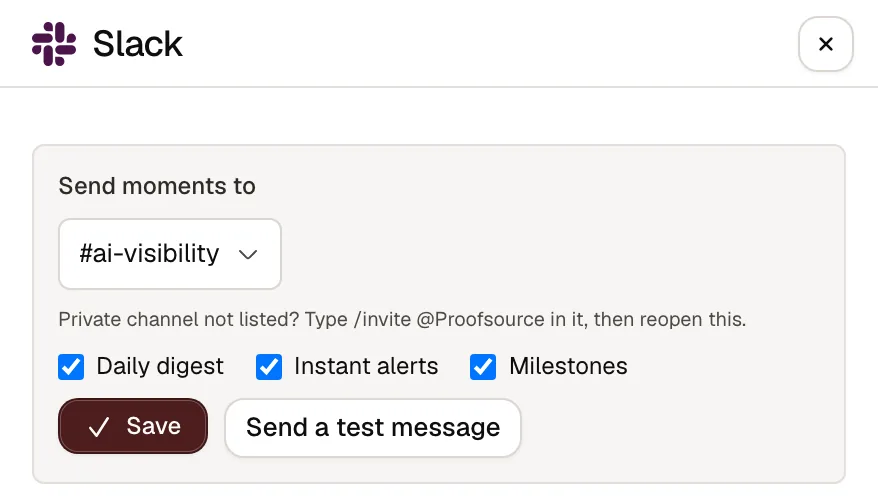
- Send moments to
Pick a channel. Private one missing? Type /invite @Proofsource in it.
- Send a test message
Check it lands, then let the posts come.
What a post carries
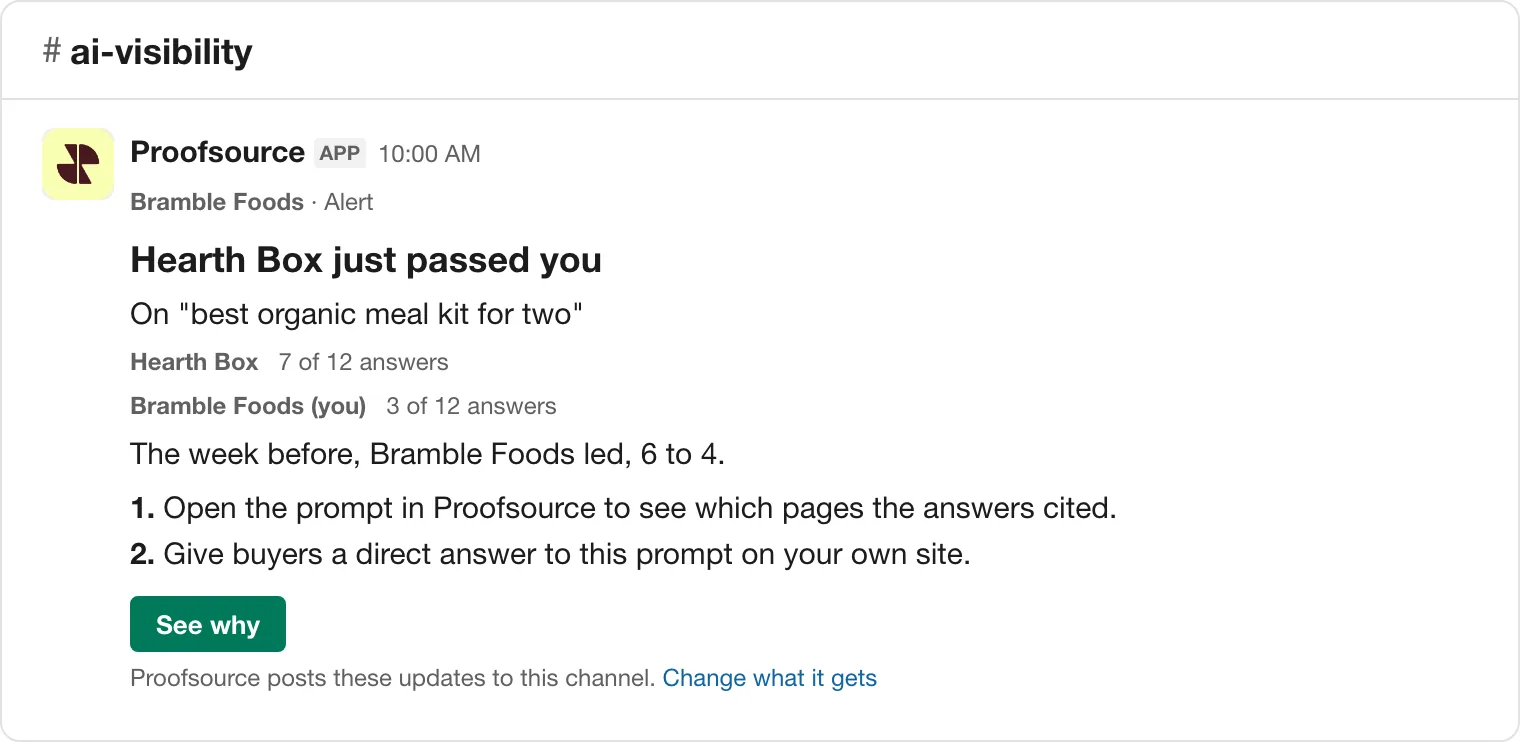
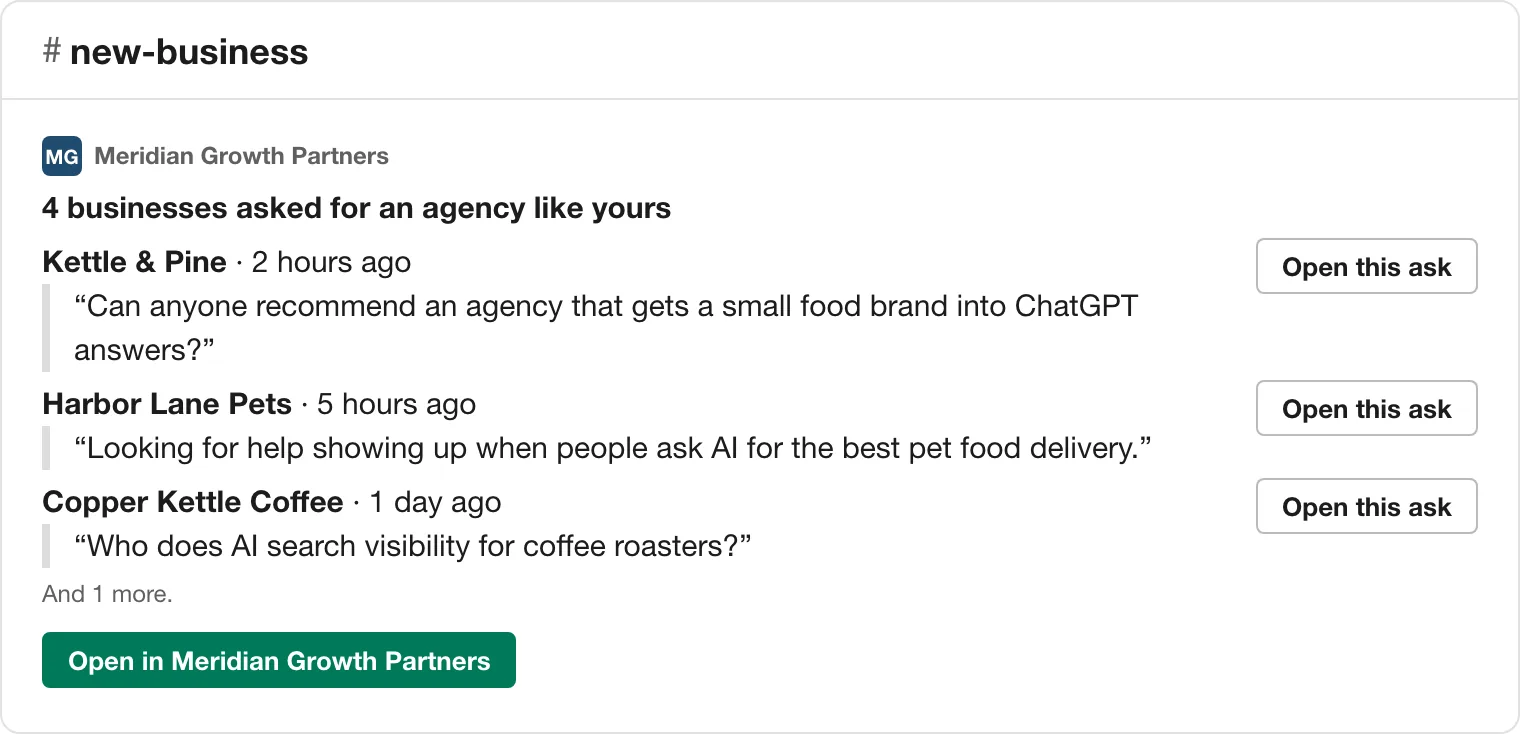
- Right channel. A brand with its own channel posts there; the rest go to the workspace channel.
- Once. Each post goes out one time, even when a send is retried.
- Links, not actions. Buttons like Review and approve open the page. Nothing happens inside Slack.
- Easy to change. Every post ends with Change what it gets.
- 5
- kinds of post: standup, alerts, milestones, lead alerts, win-back
- 1
- post per moment, never repeated
- 2
- places a post can go: the brand's channel or the workspace's
Further reading
- Alerts in Slack, Microsoft Teams and webhooksproofsource.co/announcements/2026-10-03-alerts-where-your-team-works
- Your daily loopproofsource.co/announcements/2026-10-22-your-daily-loop

Published · Questions or feedback? Write to us