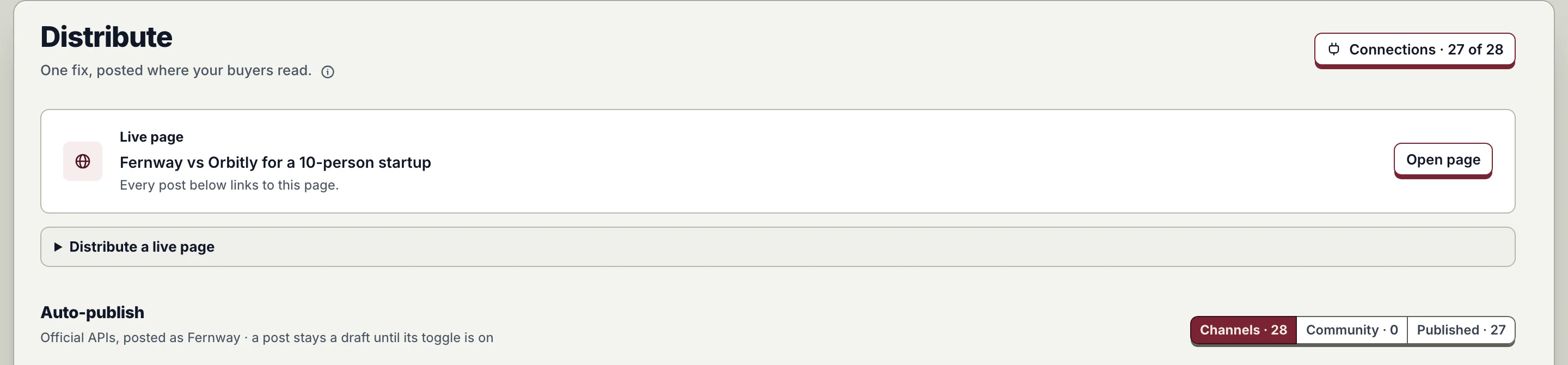
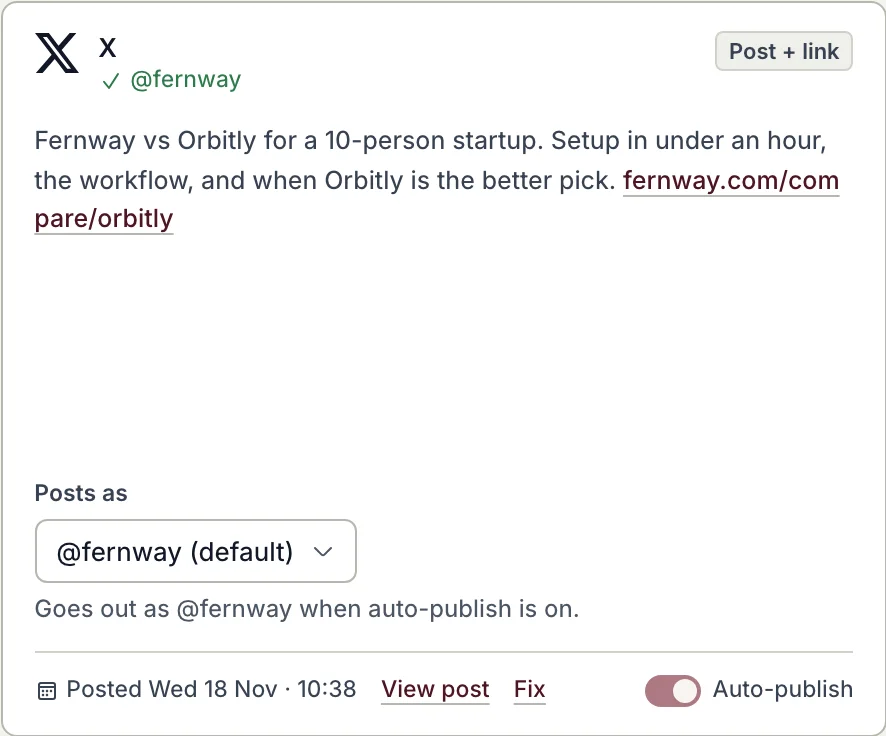
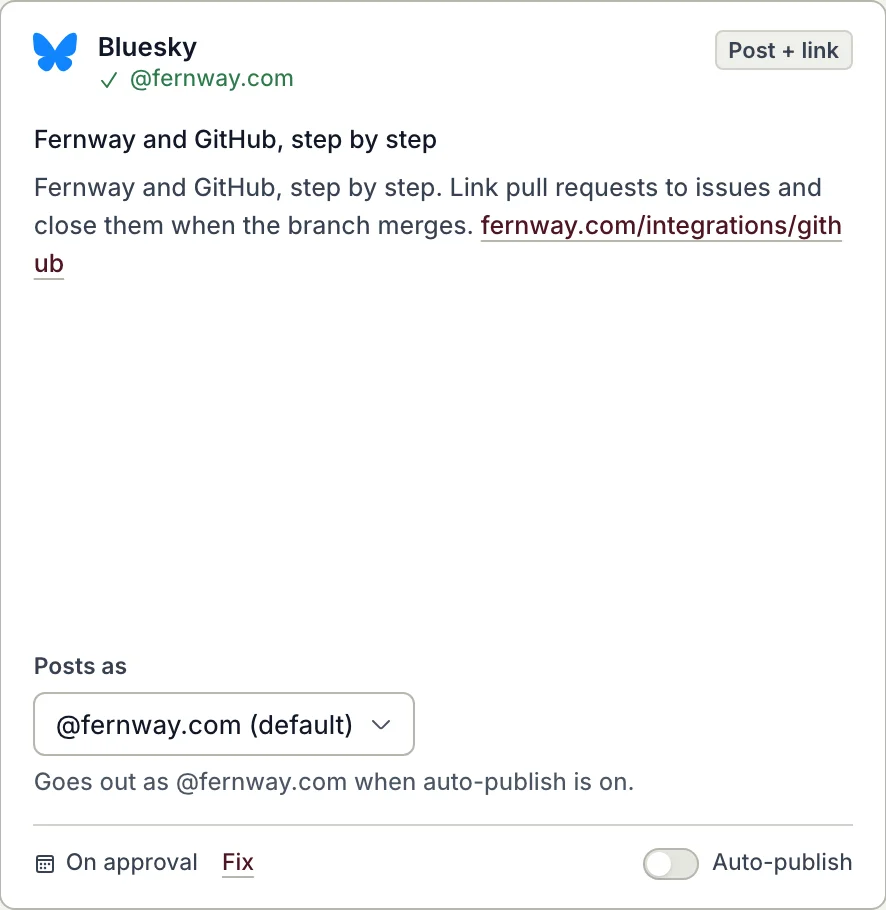
Many brands keep a Telegram channel or a Discord server for the people who follow them closely. Distribute now posts each approved fix there too, when you say so.
 TelegramYour public channel
 DiscordA channel in your server
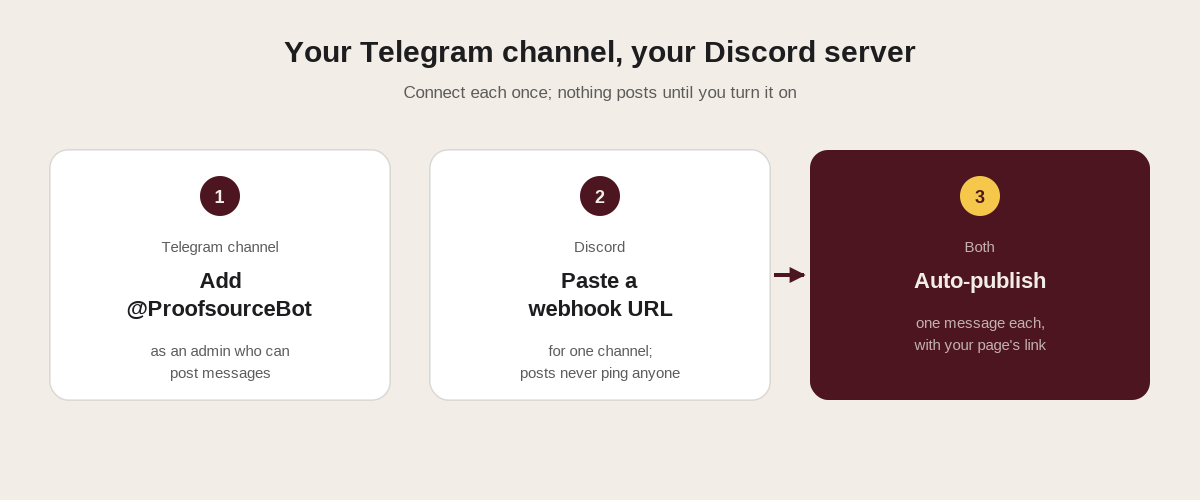
- Telegram: add @ProofsourceBot
As an admin who can post messages.
- Discord: paste a webhook URL
For one channel; posts never ping anyone.
- Auto-publish
One message each, with your page's link.
Telegram channel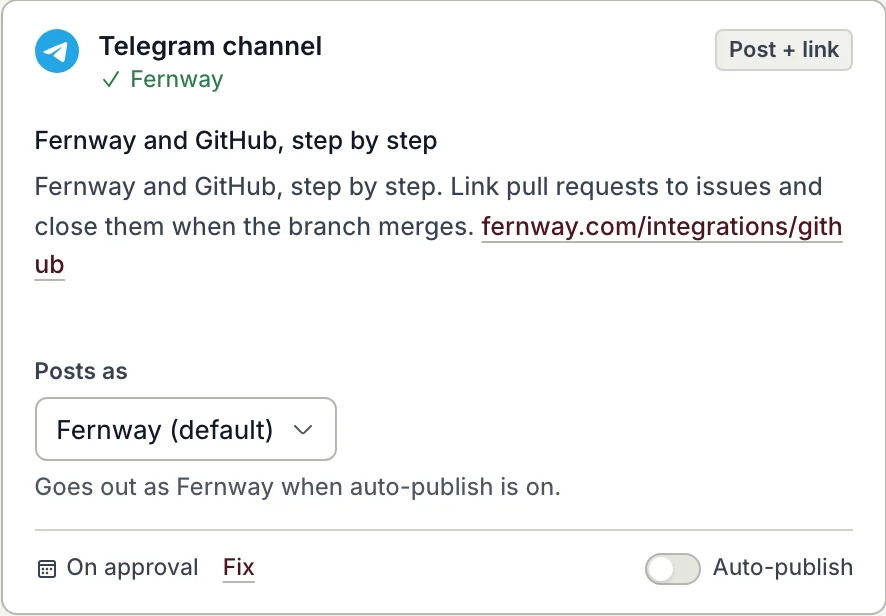
Discord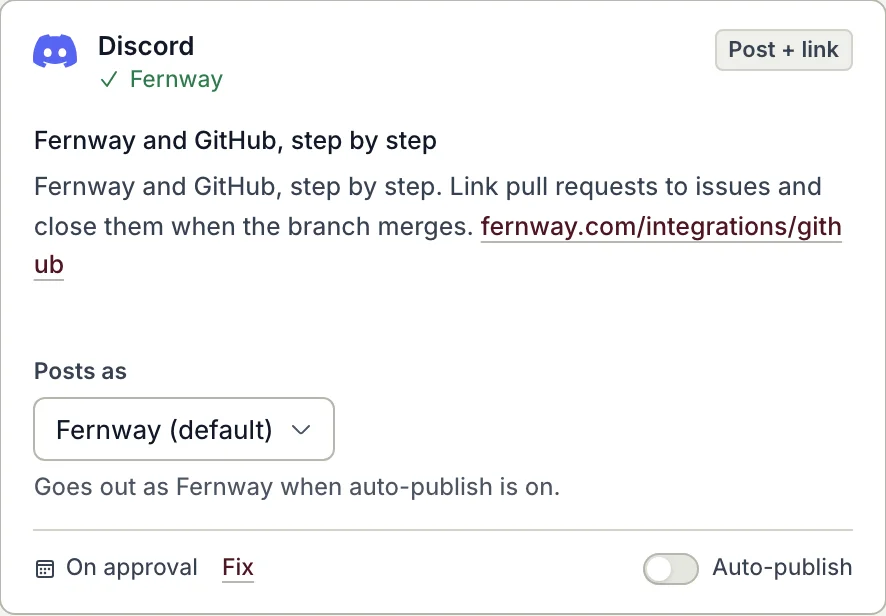
- Checked at connect. Proofsource checks the bot can post in your channel before saving it.
- No pings. Discord posts never ping @everyone, @here, a role or a person.
- One message each. Up to 1,200 characters on Telegram and 1,800 on Discord, with your page's link.
- Your switch. Nothing posts until you turn that post's auto-publish on.
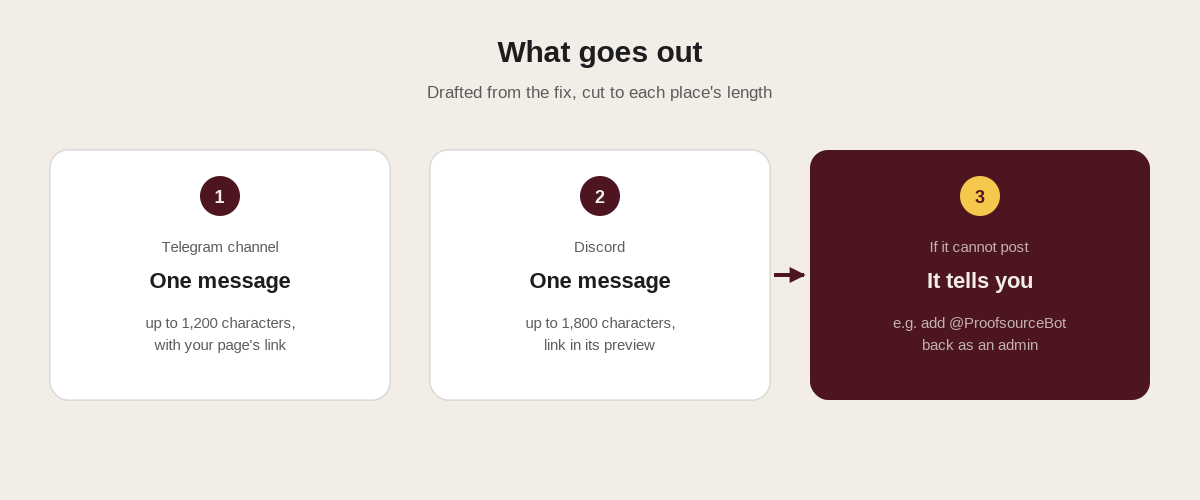
- Telegram channel
One message, up to 1,200 characters, with your page's link.
- Discord
One message, up to 1,800 characters, link in its preview.
- If it cannot post
It tells you, e.g. add @ProofsourceBot back as an admin.
Availability
Live for every brand. Connect Telegram or Discord on Distribute or in Integrations.
Everywhere Proofsource actsFurther reading
- Distribute is on: one fix, posted where buyers readproofsource.co/announcements/2026-11-24-distribute-on-for-everyone
- Post to Bluesky and Mastodonproofsource.co/announcements/2026-11-24-bluesky-and-mastodon
- Publish to Dev.to and GitHub Discussionsproofsource.co/announcements/2026-11-24-devto-and-github-discussions
- Everywhere Proofsource acts for your brandproofsource.co/everywhere

Published · Questions or feedback? Write to us