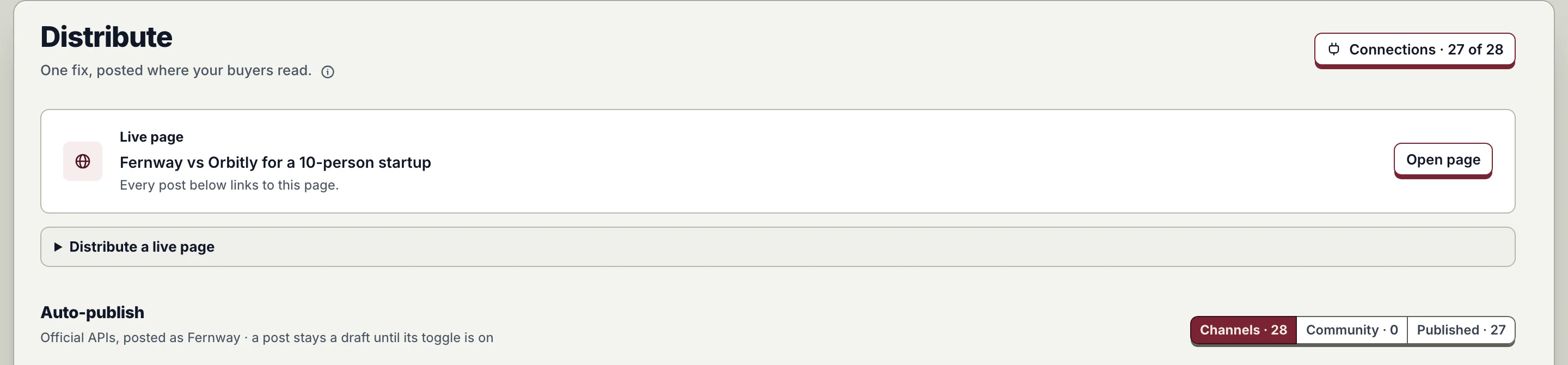
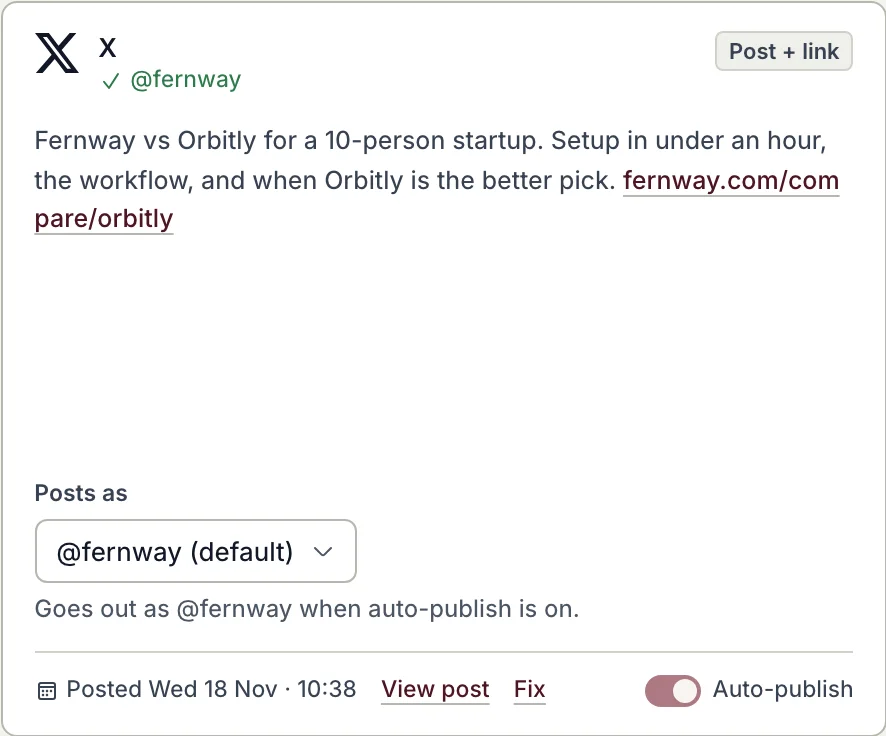
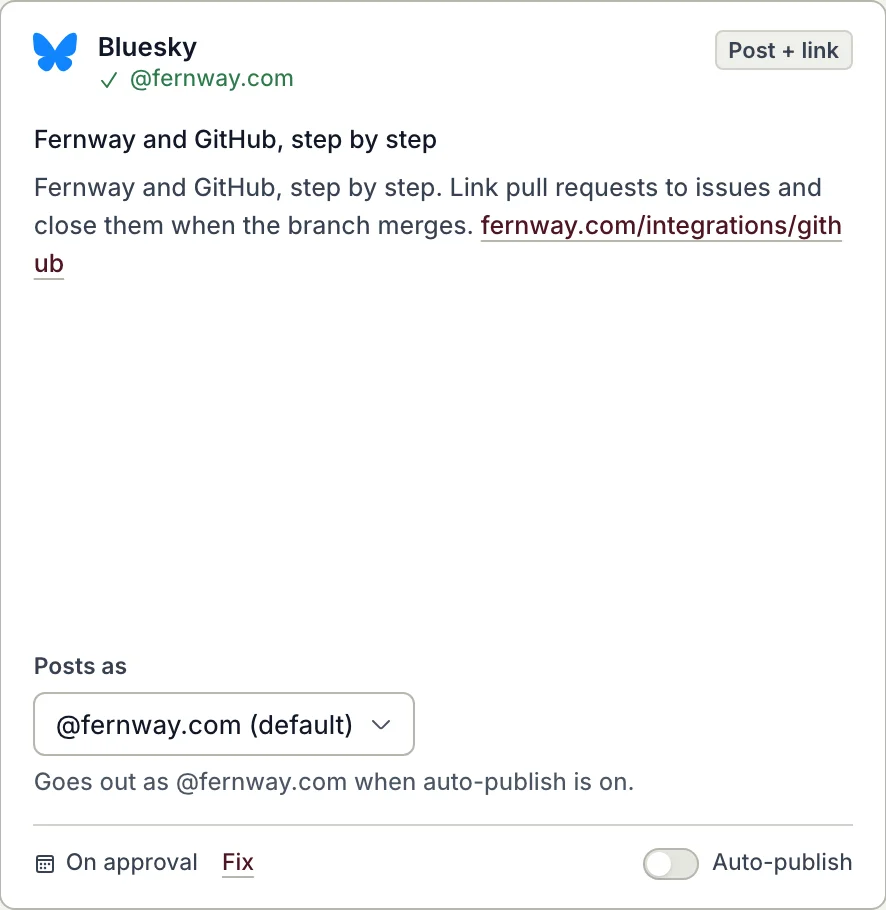
Developers read Dev.to and the discussions on the tools they use. Distribute now publishes there: a fix as a whole article, or a page already live as a short post, each linking back to your page.
 Dev.toArticles linking to your page
 GitHub DiscussionsIn your own repository
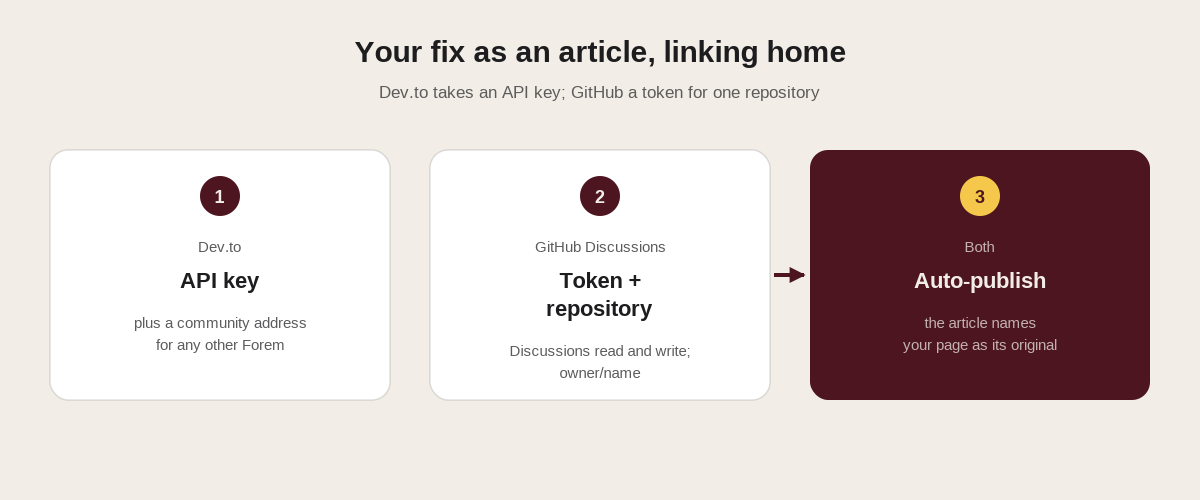
- Dev.to: API key
Plus a community address for any other Forem.
- GitHub: token and repository
Discussions read and write; owner/name.
- Auto-publish
The article names your page as its original.
Dev.to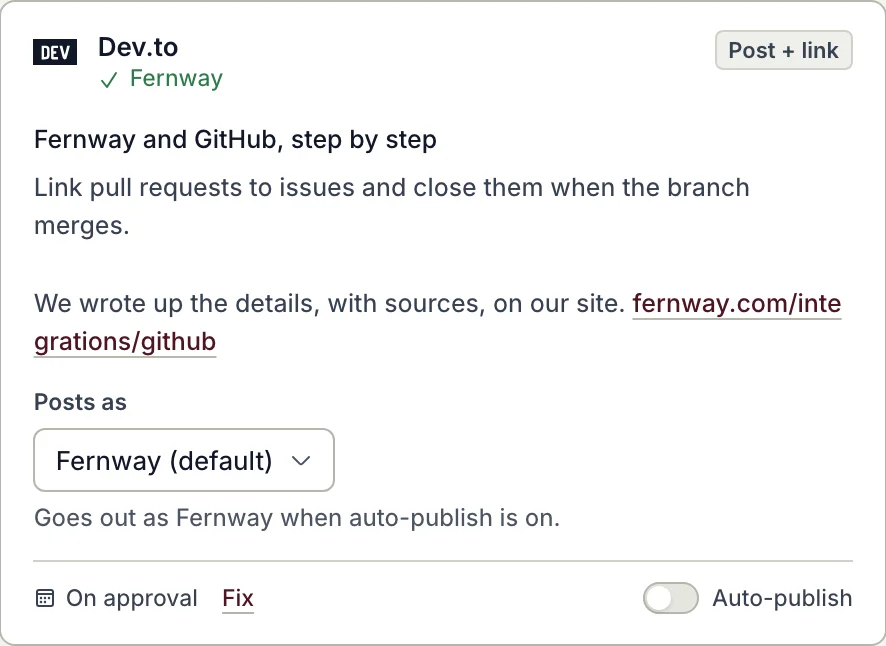
GitHub Discussions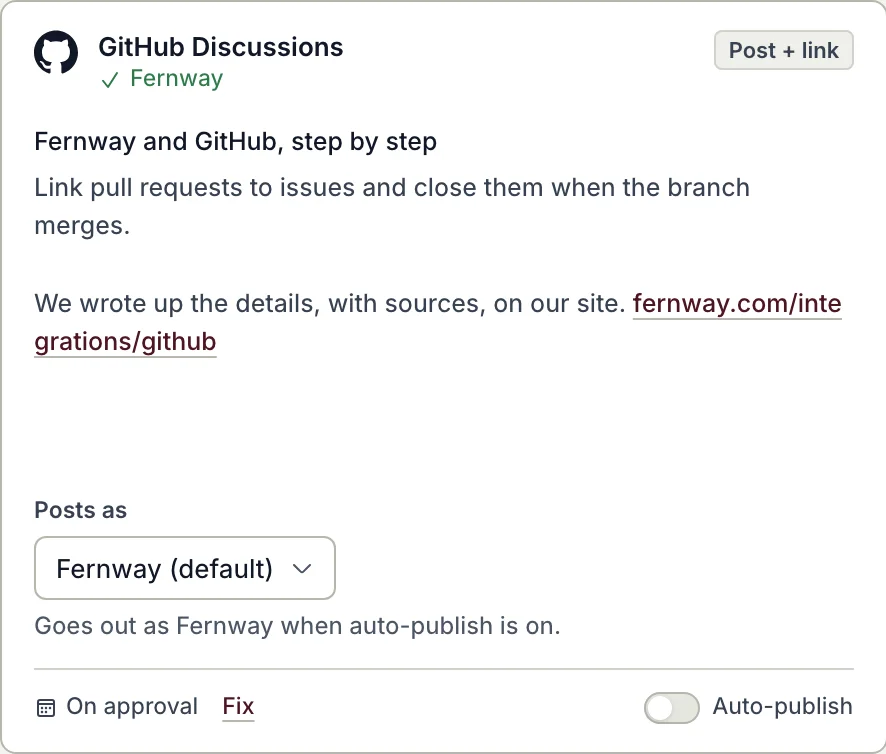
- Your page stays the source. Each Dev.to article names your page as its original.
- Any Forem community. Add its address to post somewhere other than DEV.
- The right category. Discussions go to the category you name, else Announcements, else General.
- For every brand. Both suit developer-tool brands best, and every brand can use them.
- Your switch. Nothing is published until you turn its auto-publish on.
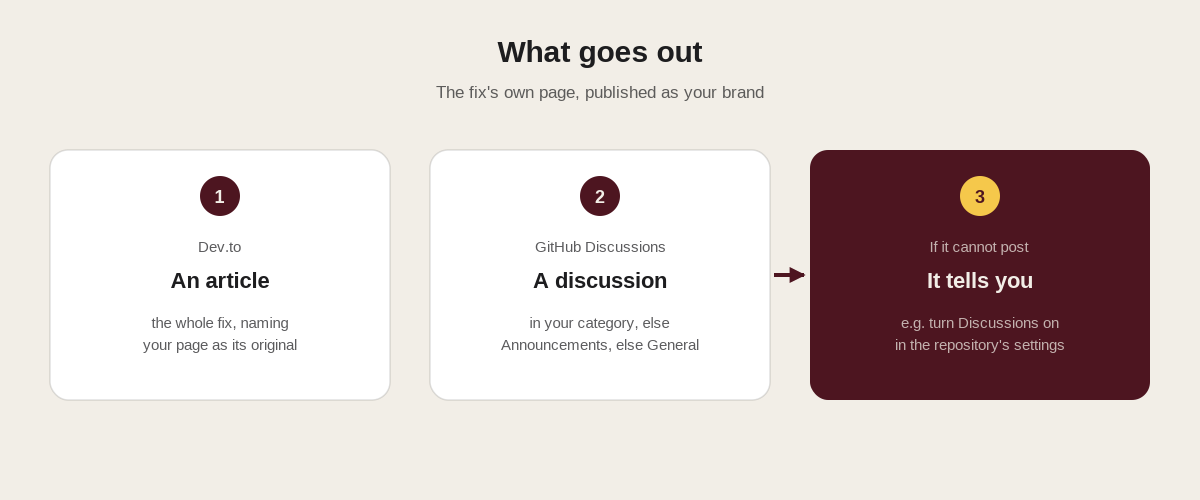
- Dev.to
An article: the whole fix, naming your page as its original.
- GitHub Discussions
A discussion in your category, else Announcements, else General.
- If it cannot post
It tells you, e.g. turn Discussions on in the repository's settings.
Availability
Live for every brand. Connect Dev.to or GitHub Discussions on Distribute or in Integrations.
Everywhere Proofsource actsFurther reading
- Distribute is on: one fix, posted where buyers readproofsource.co/announcements/2026-11-24-distribute-on-for-everyone
- Post to your Telegram channel and Discord serverproofsource.co/announcements/2026-11-24-telegram-and-discord
- Fixes now ship where your site livesproofsource.co/announcements/2026-11-05-fixes-ship-where-your-site-lives
- Everywhere Proofsource acts for your brandproofsource.co/everywhere

Published · Questions or feedback? Write to us